Series & Tags
Organising your art collection with series and tags
How to organise your collection in Artopia.
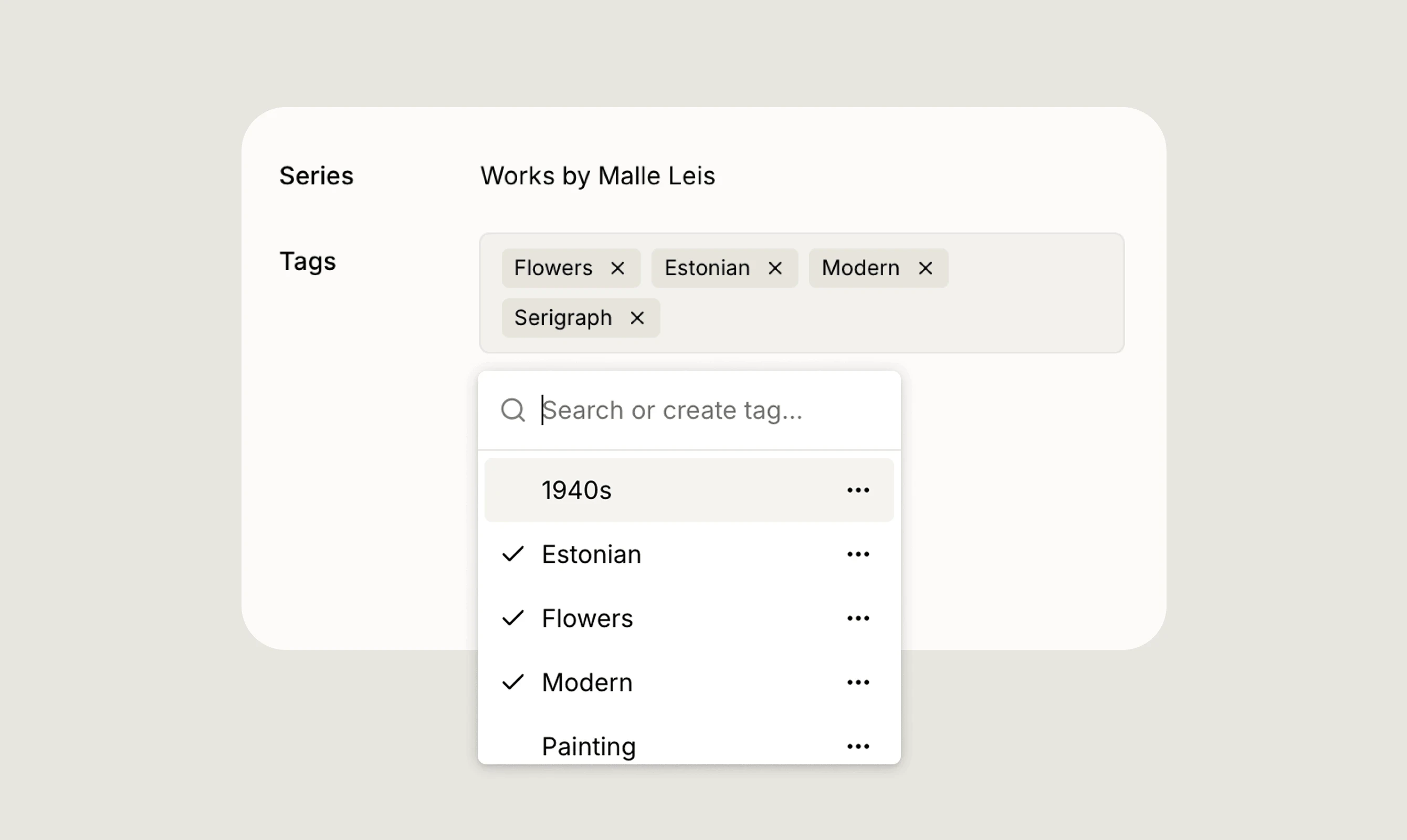
Series and tags are two flexible ways to organise and categorise your artworks in Artopia.
Series
A series lets you group related artworks together. For example, works that belong to the same conceptual or thematic group, or a curated selection across multiple artists. Each artwork can belong to one series.
To assign a series, select it from the Series field in the artwork record. You can search for an existing series or create a new one by typing its name. Series can be renamed or deleted at any time from the same dropdown.
Tags
Tags are a flexible labelling system for categorising your artworks across any criteria you define. An artwork can have multiple tags. For example, you might tag works by motif (Portrait, Flowers), by style (Modern, Painting), or by time period (1960s).
To add a tag, search for an existing one or type a new name to create it. Tags can be deleted at any time from the tag dropdown.
Using series and tags with bulk actions
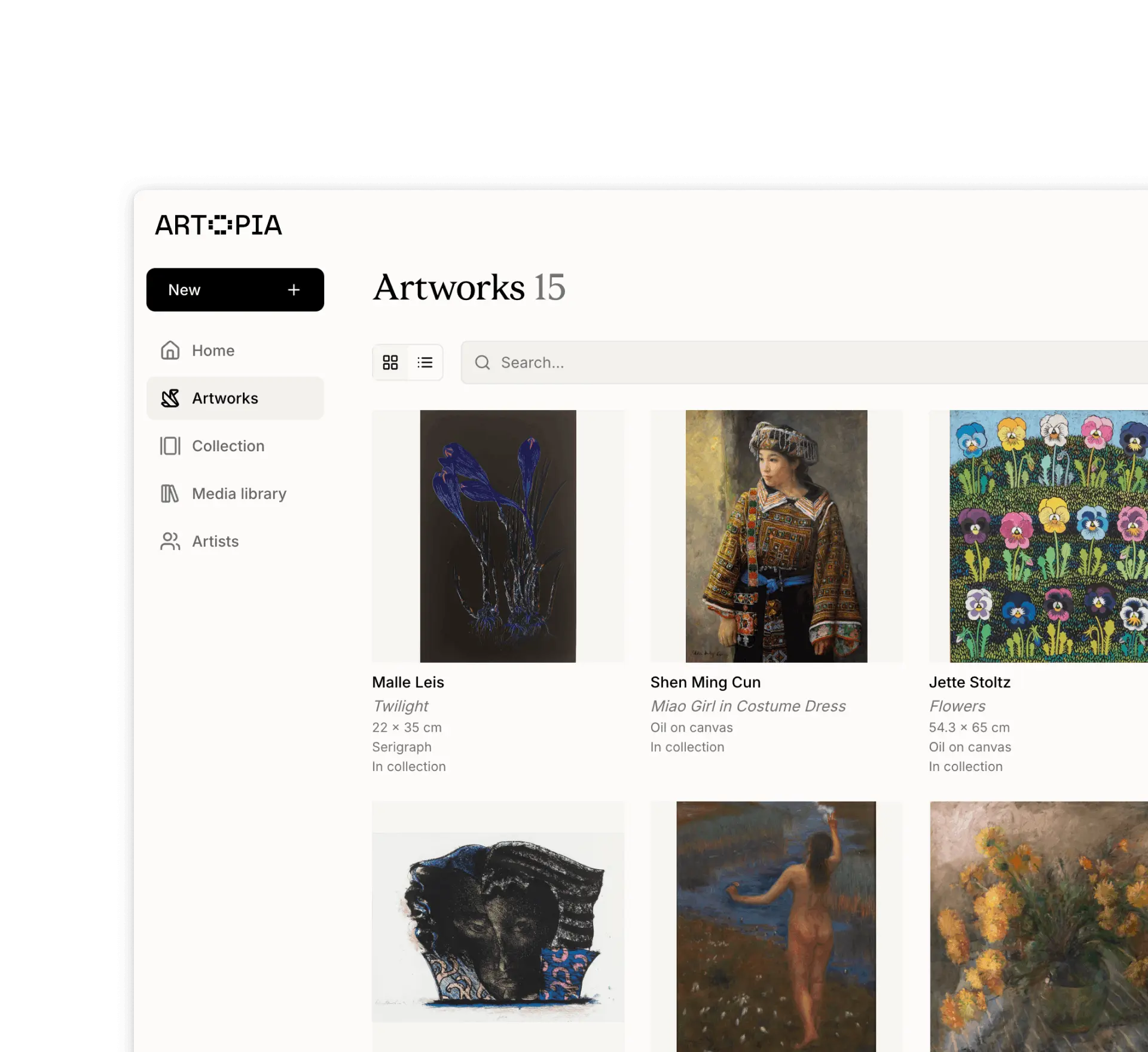
Series and tags are especially powerful when used with bulk actions. Select multiple artworks from the Artworks view and use the Actions menu to apply or remove series and tags across your entire selection at once. Read more about bulk actions
If you have any questions, reach out at app@art-opia.com