Artwork records
Creating and managing artwork details
How artwork records work in Artopia.
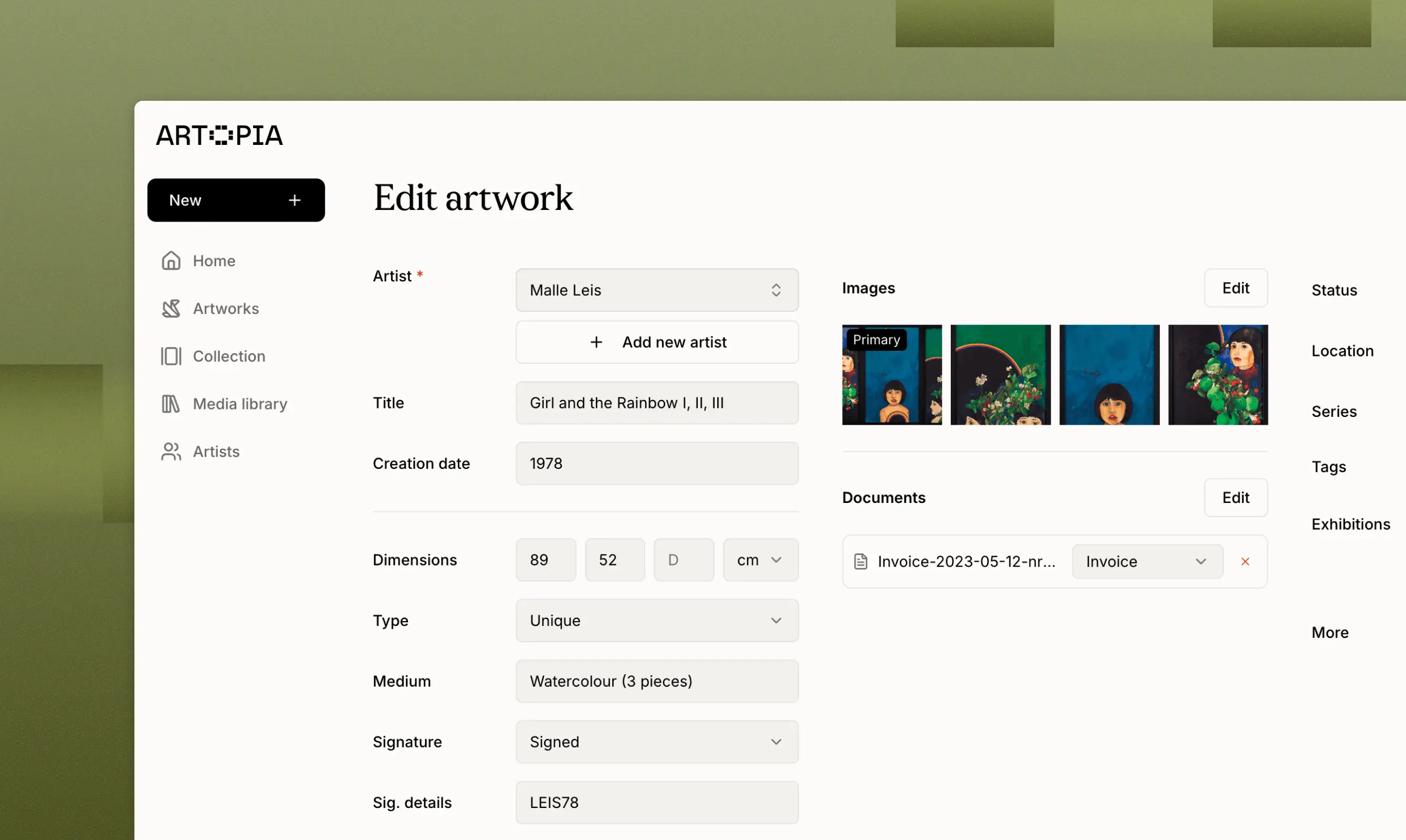
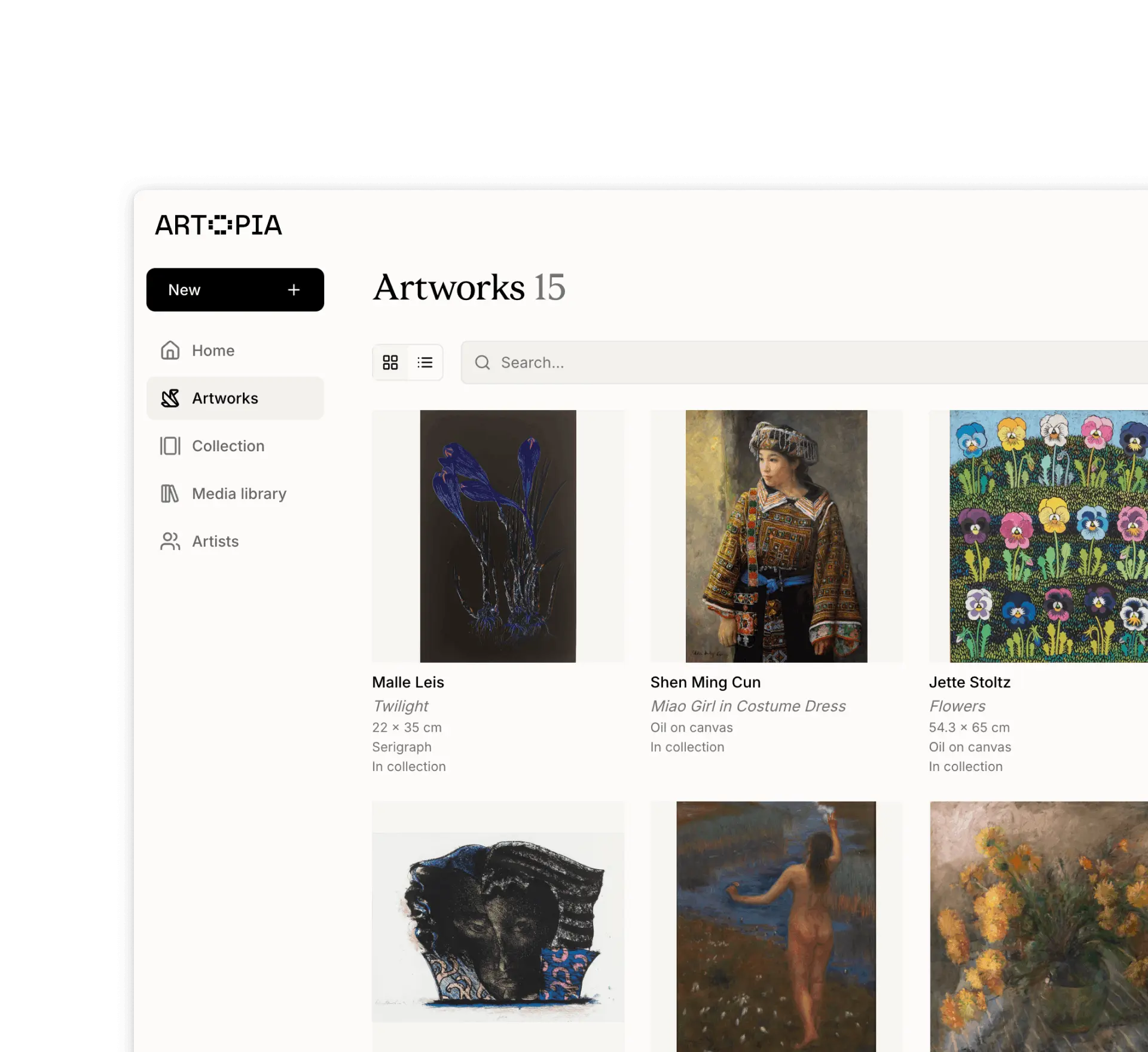
Artworks are the core of Artopia. Every artwork record requires only an artist to get started. All other fields are optional, so you can add works quickly and fill in details over time.
Field | Description |
|---|---|
Artist | The creator of the work. Select from existing artist entries or add a new artist directly from the artwork record. |
Title | The title of the artwork. If left empty it will be named Untitled by default. |
Creation date | The year or date the work was made. You can enter an exact date (e.g. 01.01.2026), a range, or any free-form text such as 1970s. |
Dimensions | Width, height, and depth in cm or inches. |
Type | Whether the work is an original or a multiple (edition). |
Edition | The edition number, e.g. 13/70. |
Medium | The material or technique, such as Serigraph or Oil on canvas. |
Signature | Whether the work is signed, and signature details such as whether it appears on the front or back. |
Framed | Whether the work is framed, with optional frame details such as whether it is an original frame. |
Status | The current status of the work: In collection, For sale, Reserved, Sold, On loan, or Archive. |
Location | Where the work is currently located: Home, Studio, Storage, On loan, or Other. |
Series | The series the work belongs to. Read more about series |
Tags | Flexible labels for categorising your works. Read more about tags |
Exhibitions | Exhibition history for the work. |
Link | A URL related to the work, such as a gallery listing or auction result. |
Provenance | A free-form entry for the ownership history of the work. |
Description | A free-form description of the work. |
Condition report | Notes on the current condition of the work. |
Images
Each artwork supports multiple images. The first image is marked as Primary and shown as the thumbnail of the artwork. Read more about images
Documents
Each artwork record supports attached documents such as certificates of authenticity, invoices, appraisals, and other files. Documents are stored in the artwork record and can also be accessed from the Media library. Read more about documents
If you have any questions, reach out at app@art-opia.com