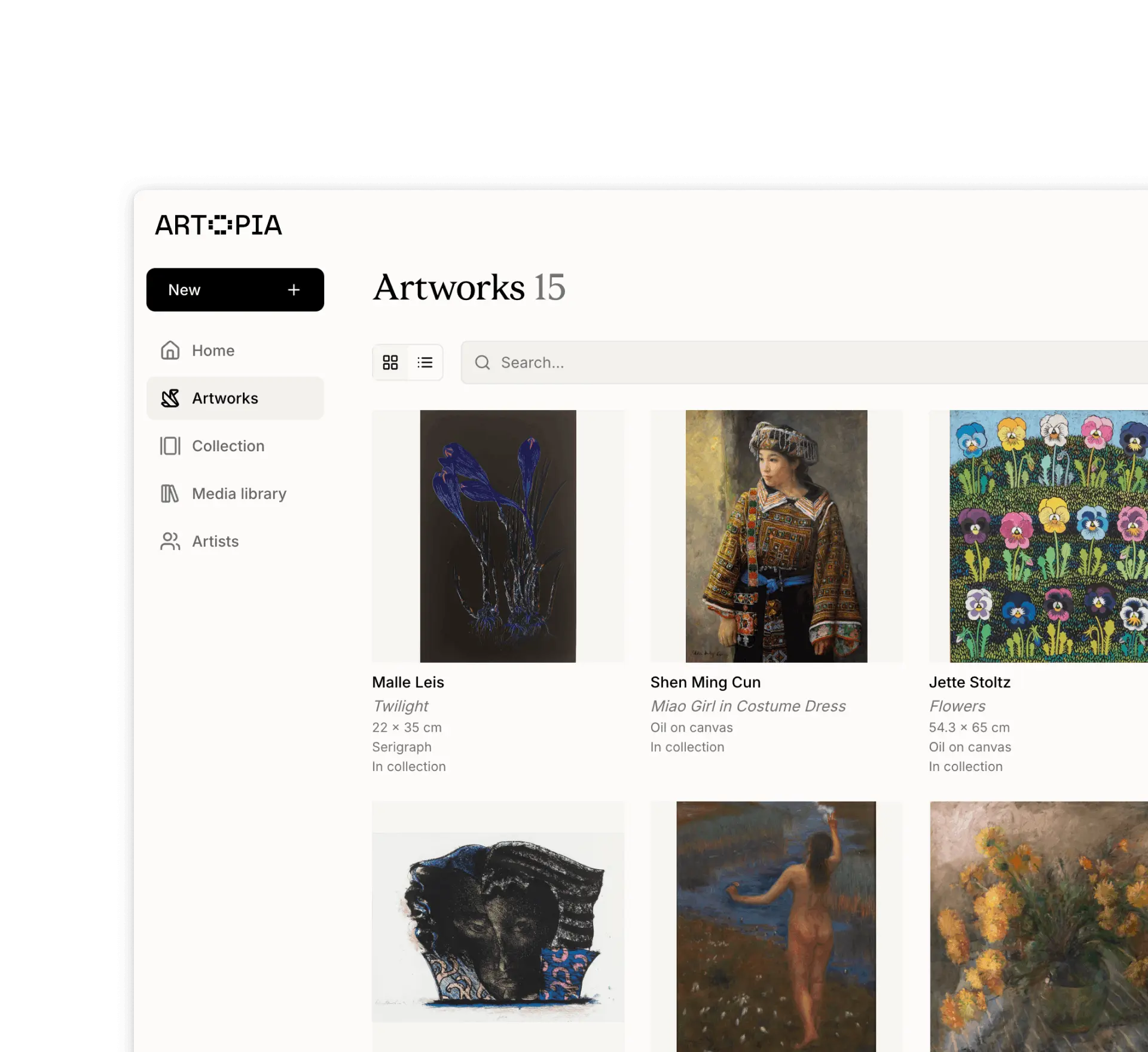
Exporting data
Download all your art collection records
Back up your data and take it with you.
Artopia is built on the belief that your collection data belongs to you. We make it easy to export everything at any time. Use it to back up your records, fill out forms, or use other tools.
Export options are available from the menu that opens from clicking on your profile icon or at app.art-opia.com/export.
Export artworks (CSV)
Download all your artwork metadata as a spreadsheet in CSV format. The file opens in Excel, Google Sheets, Numbers, or any other spreadsheet application.
Download all media (ZIP)
Download all images and documents from your Media library as a ZIP archive. When downloading, you can choose to organise files by artwork and artist. In this case, files will be placed in folders named Artist - Artwork Title. Any files not linked to an artwork are placed in an Unlinked folder.
If you have thoughts on how exports could be more useful, get in touch at app@art-opia.com