Media library
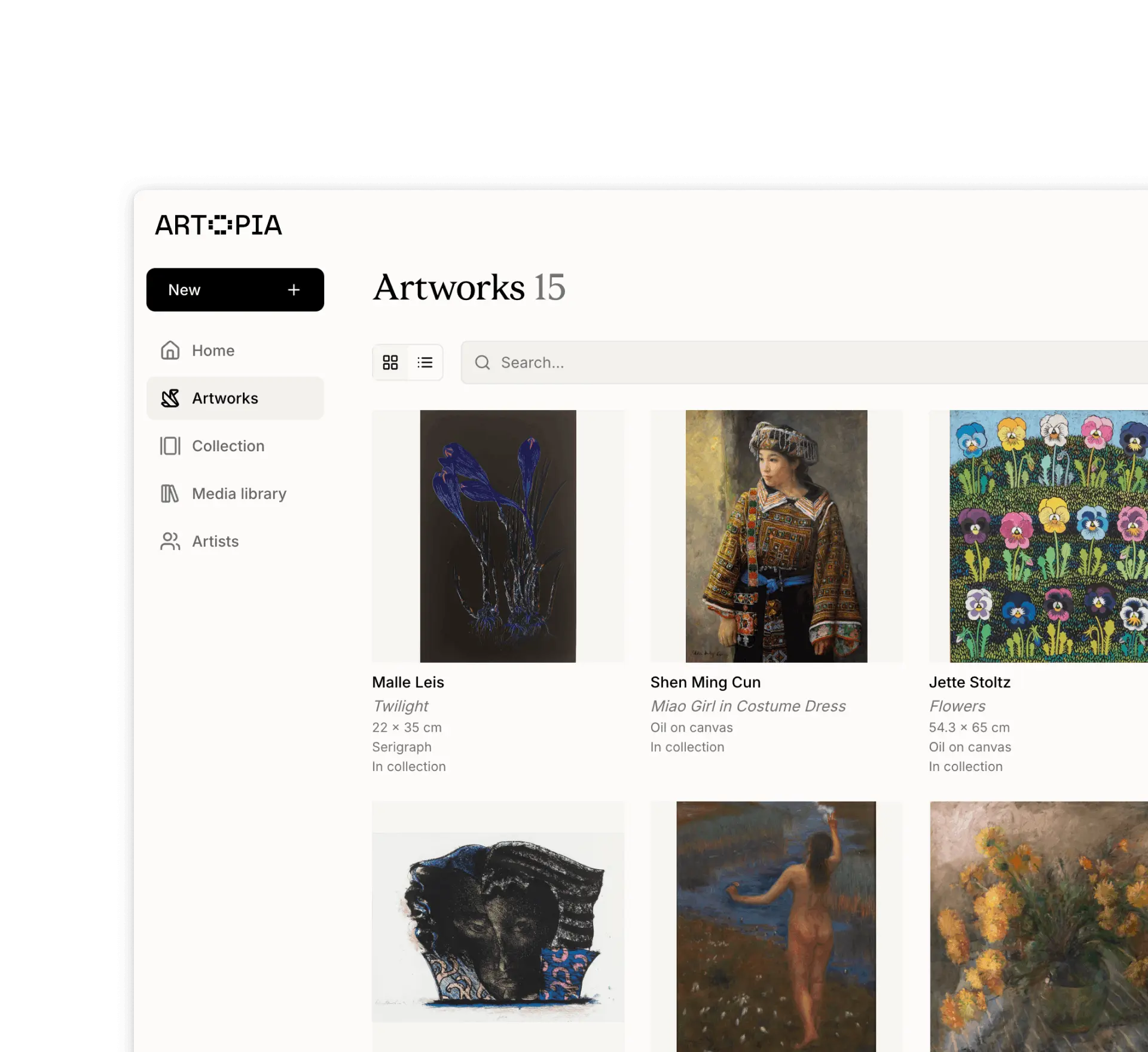
Managing artwork images and files in one place
How the Media library works in Artopia.
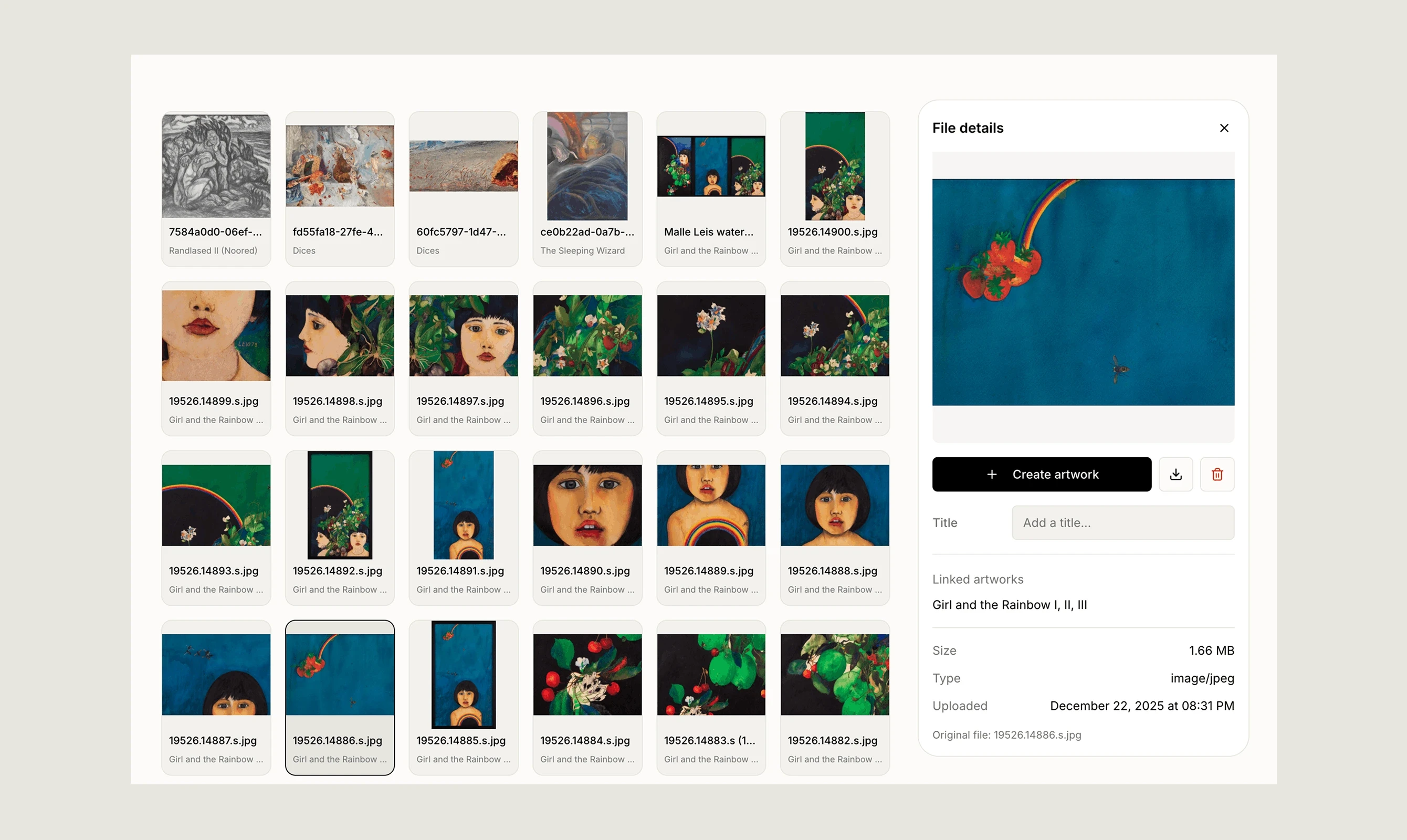
The Media library is a central place for managing all images and documents across your collection. Every file you upload to Artopia is stored and accessible here.
Browsing and searching
You can search by title or filename to quickly find any file across your collection. Clicking a file opens its details panel, showing the linked artwork, file dimensions, size, type, and upload date.
Uploading files
You can upload images and documents directly from the Media library in bulk from your device or via URL. Uploaded files are stored in the library and can then be attached to artwork records. Read more about images or Read more about documents
Renaming files
Files can be renamed from the file details panel. Keeping file names consistent and descriptive makes it easier to find and manage your files over time.
Linking to artworks
Every file in the Media library shows which artwork it is linked to. To manage which files are attached to an artwork, go to the artwork record and edit the images or documents from there.
Downloading files
Any file in the Media library can be downloaded at any time.
If you have any questions, reach out at app@art-opia.com