Public collection
Sharing your art collection online with Artopia
Creating your public collection with Artopia.
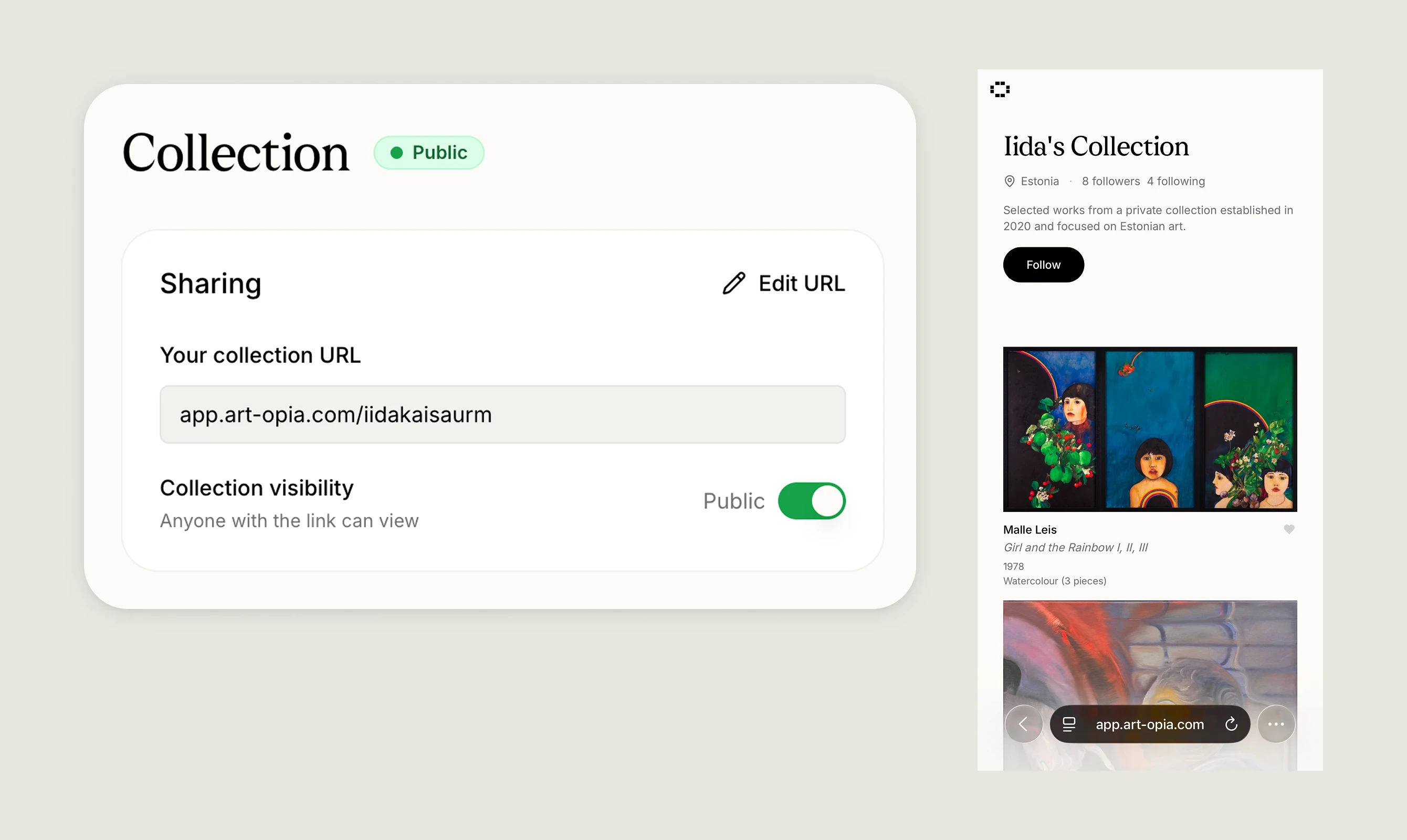
Every Artopia account has a collection page that can be kept private or made public. When public, your collection gets a shareable URL that anyone can visit to browse your selected artworks.
Visibility
Your collection is private by default. You can toggle it public or private at any time from the Collection page. When public, anyone with the link can view it.
Your collection URL
Your collection has a custom URL at app.art-opia.com/yourcollectionname. You can edit the URL from the Collection page. Only lowercase letters, numbers, and hyphens are allowed.
Setting up your collection
From the Collection page you can edit your collection's name, description, and location. These appear on your public collection page and help visitors understand the context and focus of your collection.
Selecting artworks
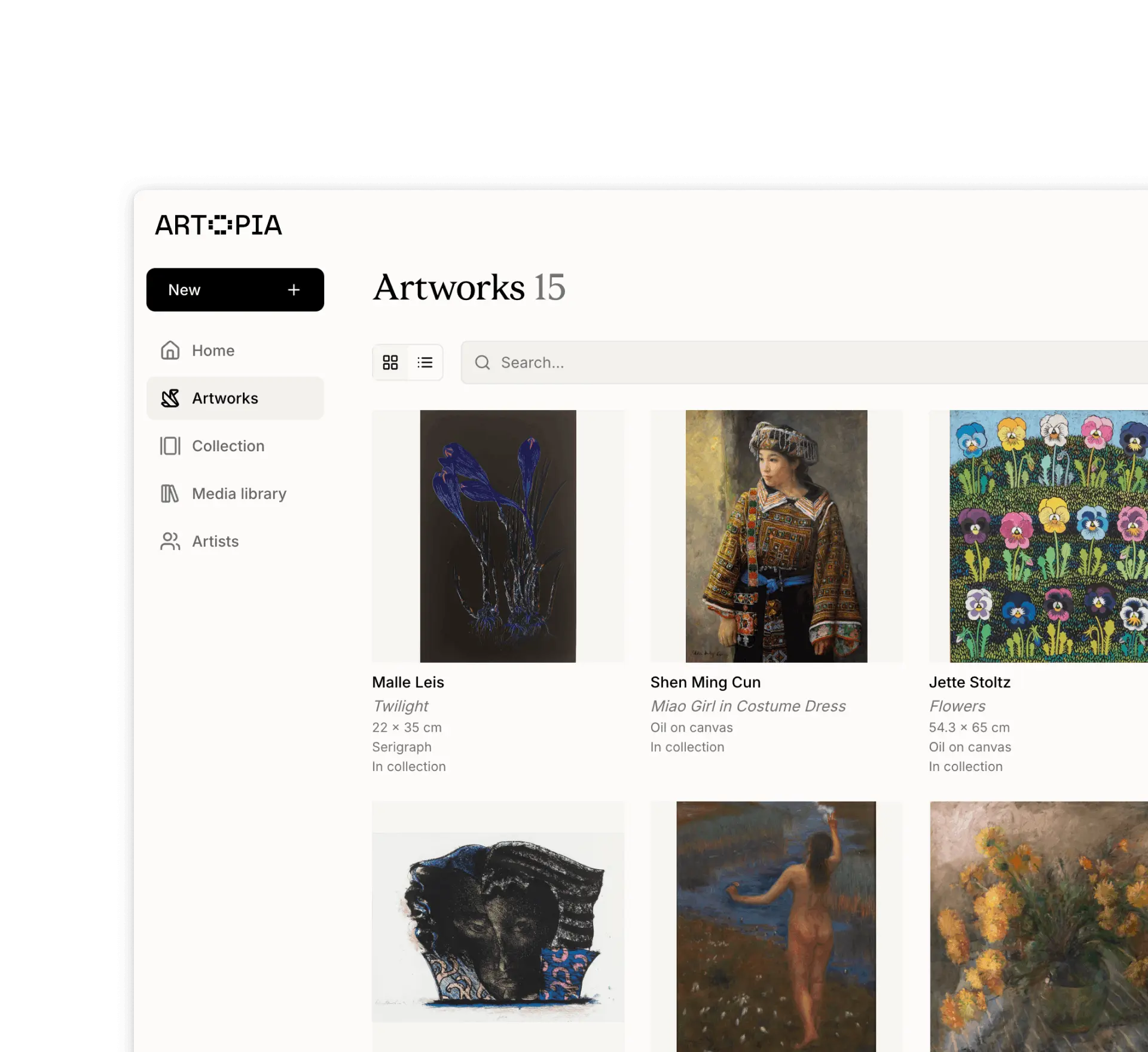
Not all artworks in your catalogue need to be visible in your public collection. Use the Select artworks button to choose which works to include. You can search across your catalogue, select multiple works, and drag to reorder them. The selected artworks are the only ones visible to visitors.
Press
Your public collection includes a Press tab where you can showcase media coverage, reviews, and articles that feature your collection. Press entries are managed from the Collection page click + Add link to create a new entry, or click any existing entry to edit it.
Each entry has an article URL, title, date, and an optional preview image that can be loaded from the URL or uploaded manually. Use the Visibility toggle to control whether an entry appears on your public collection page. To delete an entry, open it and click the trash icon.
How press appears to visitors
On your public collection page, a Press tab sits alongside the Artworks tab. Each entry displays the article headline, publication source, date, and preview image. Clicking an entry opens the original article in a new tab.
Preview
The Collection page includes a live preview of how your collection appears to visitors, on both desktop and mobile.
Following and liking
Visitors to your public collection can follow it and like individual artworks. You can also follow other public collections and like artworks from them, which appear in the Liked artworks section on your home page.
If you have any questions, reach out at app@art-opia.com