Get started
Setting up your art collection
A quick guide to onboarding to Artopia.
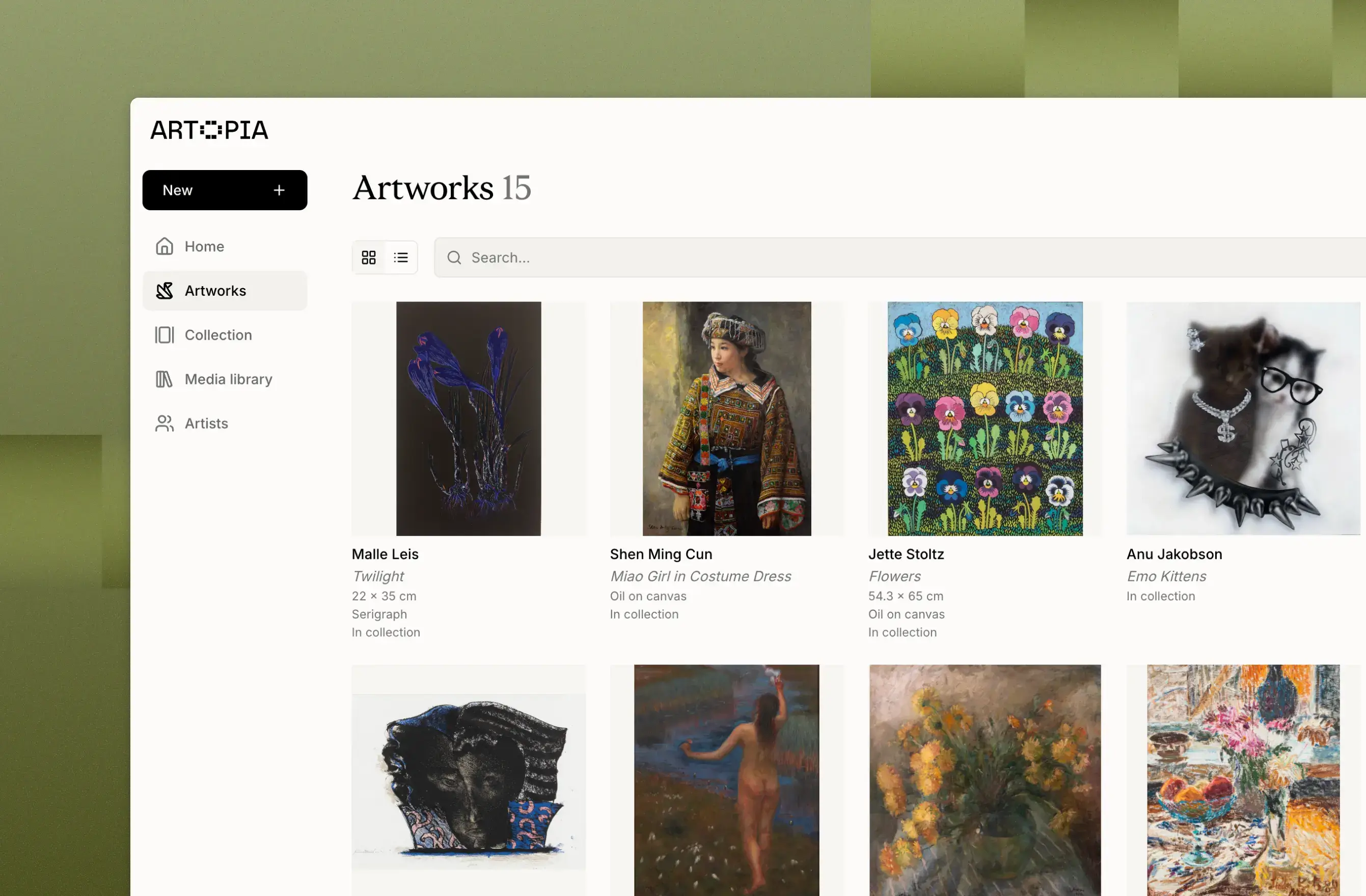
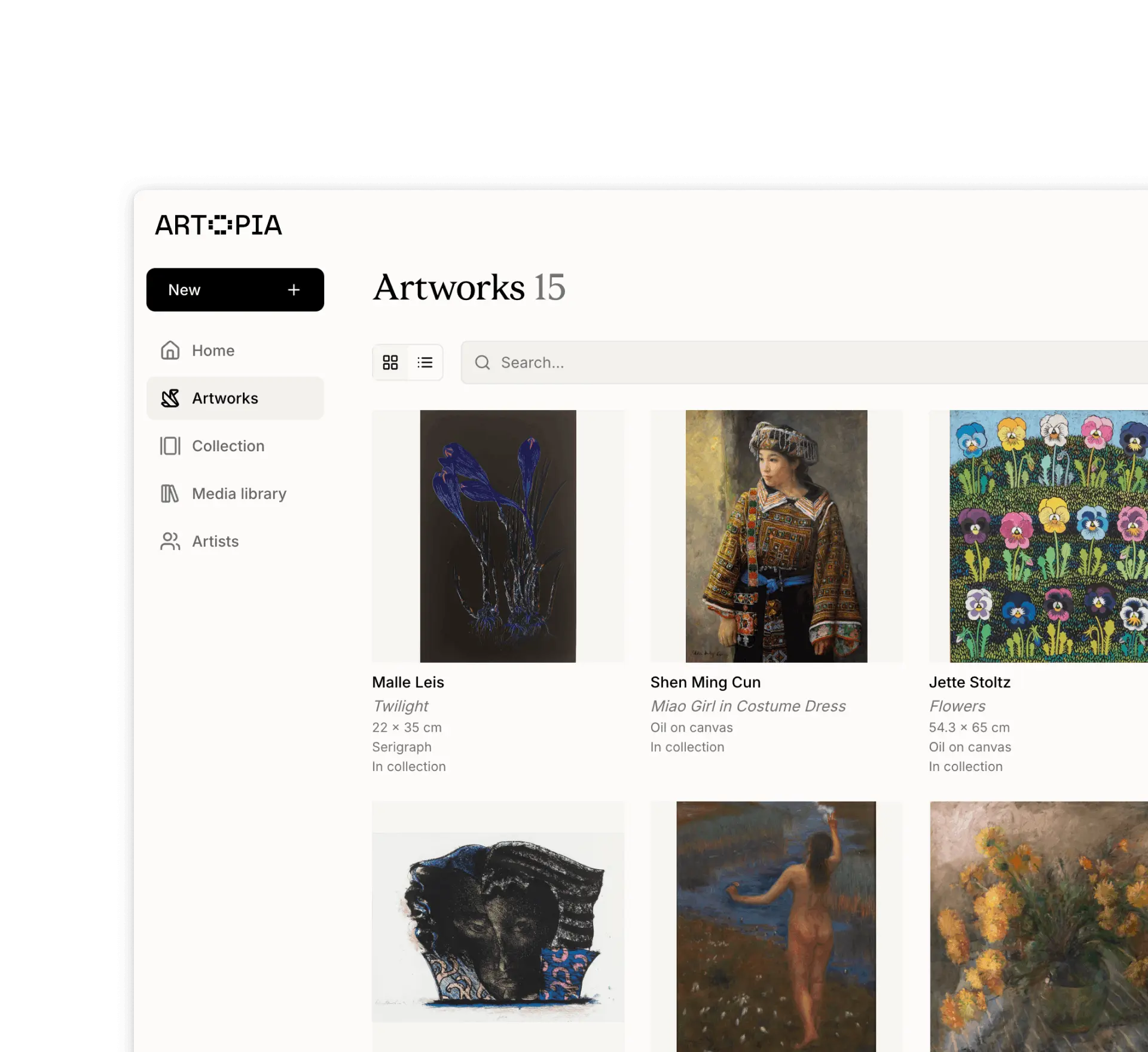
Artopia is a platform for cataloguing and managing artworks, built for art collectors, artists, galleries and art advisories.
Here's where to start:
Add artworks
Add artworks one by one or import an existing archive by contacting us. Each artwork record supports multiple images, attached documents such as certificates of authenticity and invoices, and a full set of metadata fields. Read more about artworksOrganise with series and tags
Group related works into series or apply tags to reflect how you think about your collection. For example by motif, medium, location, or visual traits like portrait or black & white. Read more about series and tagsShare your collection
Keep your collection private or make a curated selection of works visible as a public collection to easily share with a gallery, advisor or friends. Read more about public collection
If you have any questions, reach out: app@art-opia.com