Documents
Storing certificates, invoices & other artwork files
How documents work in Artopia.
Each artwork record in Artopia supports attached documents, making it easy to keep certificates, invoices, and other paperwork organised alongside your artworks.
Uploading documents
Documents can be uploaded in two ways:
From device | Click to upload or drag and drop files. Supported formats are PDF, PNG, JPG, and JPEG. Images are supported for cases where you have photographed a physical document. |
From a URL | Paste a link to a document already online. Artopia will download and save it to your Media library. |
Once uploaded, documents are stored in your Media library and linked to the artwork.
Document types
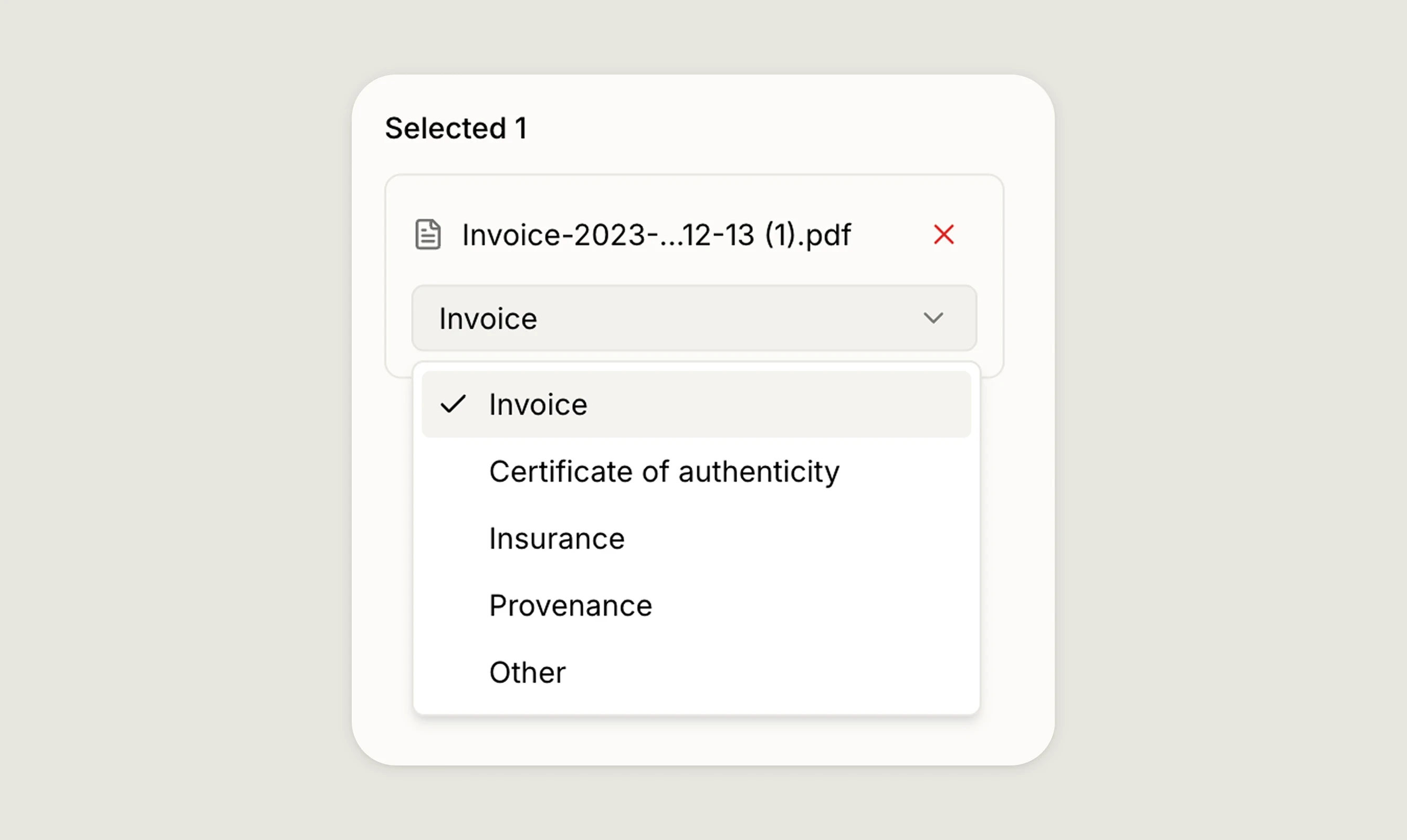
When attaching a document, you can assign it a type to keep things organised: Invoice, Certificate of authenticity, Insurance, Provenance, Other.
Media library
All documents are accessible from the Media library alongside your images, where you can browse, search by title or filename, preview files, and see which artwork each document is linked to. You can also upload files directly from the Media library. Read more about the Media library
Downloading documents
Documents can be downloaded from the Media library at any time.
If you have any questions, reach out at app@art-opia.com