Filtering artworks
Search and filter your art collection efficiently
Filtering and searching works in your collection.
Artopia's filtering tools let you quickly narrow down your collection to find exactly what you're looking for.
Search
Use the search bar at the top of the Artworks view to search across your collection by title, artist, or other text fields.
Filters
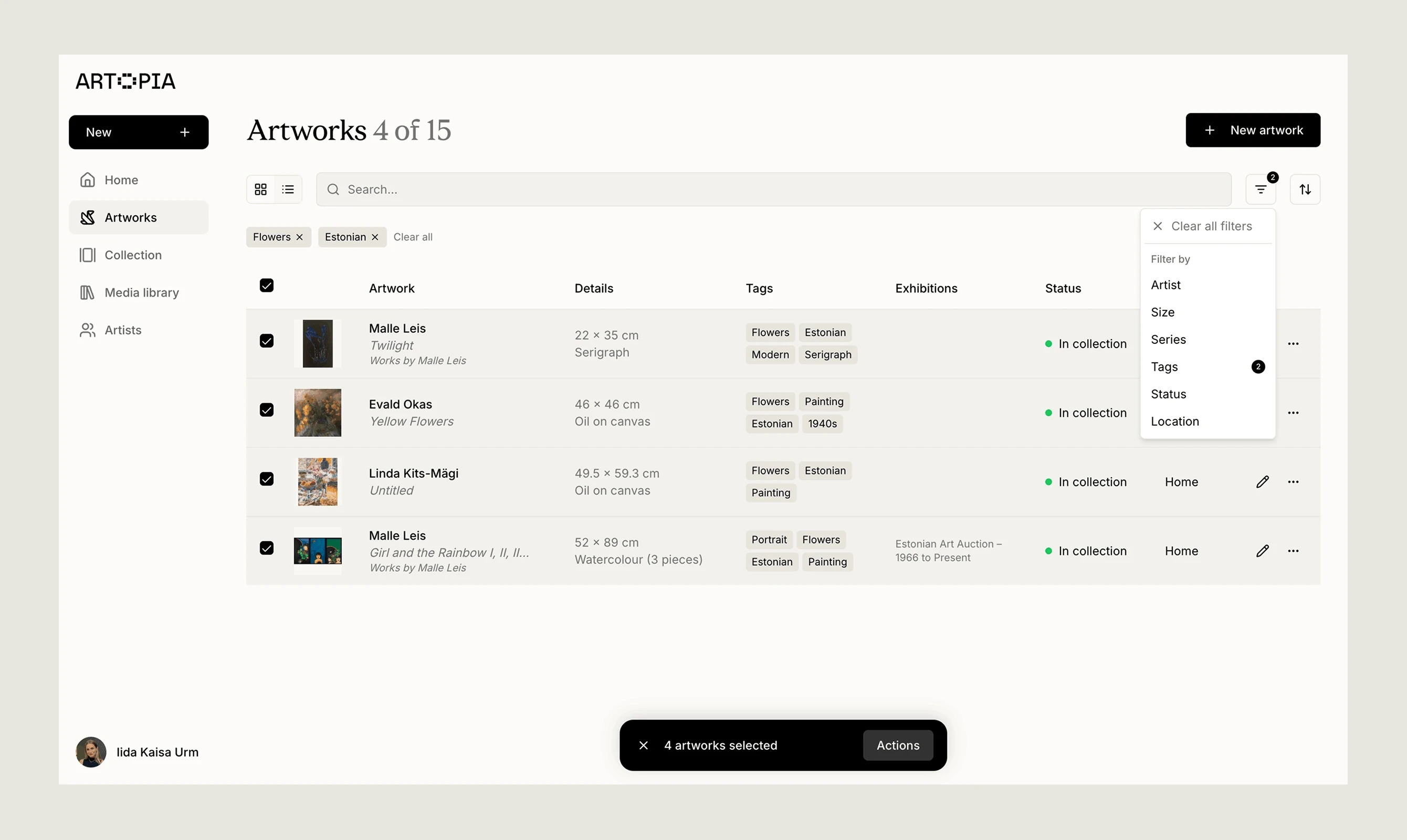
Click the filter icon to filter your artworks by:
Artist: All artists you have added to your collection.
Size: Filter by Small (<50 cm), Medium (50–100 cm), or Large (>100 cm), or by a specific dimension.
Series: All series you have created.
Tags: All tags you have created.
Status: In collection, For sale, Reserved, Sold, On loan, or Archive.
Location: Home, Studio, Storage, On loan, or Other.
Multiple filters can be applied at the same time. Active filters are shown as tags at the top of the view and can be removed individually or all at once with Clear all. The artwork count updates to reflect how many works match the current filters.
Sorting
Use the sort icon next to the filter icon to change the order artworks are displayed in.
Grid and list views
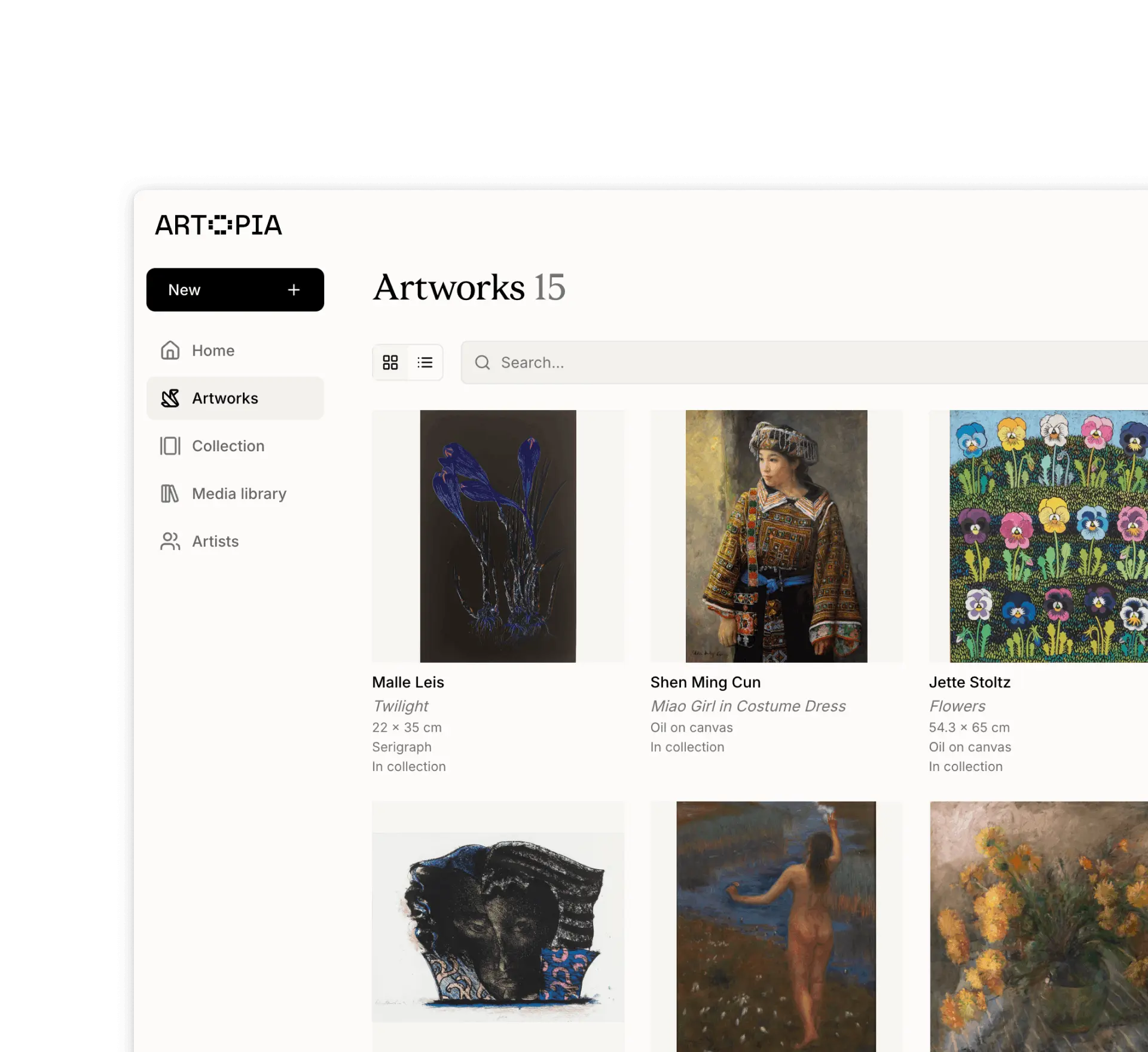
The Artworks view can be toggled between a grid view and a list view using the icons at the top left.
If you have any questions, reach out at app@art-opia.com