Filled in your template?
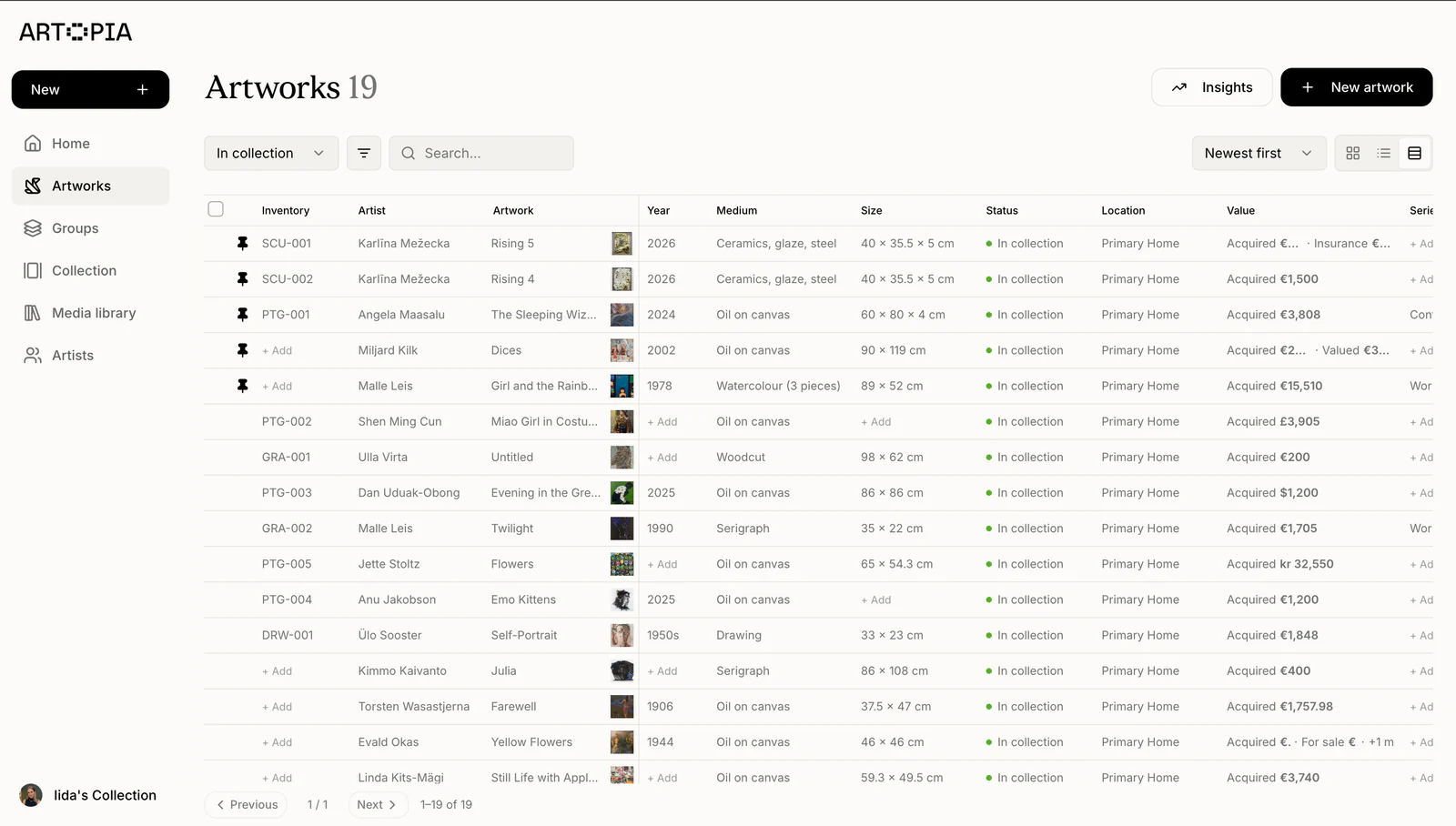
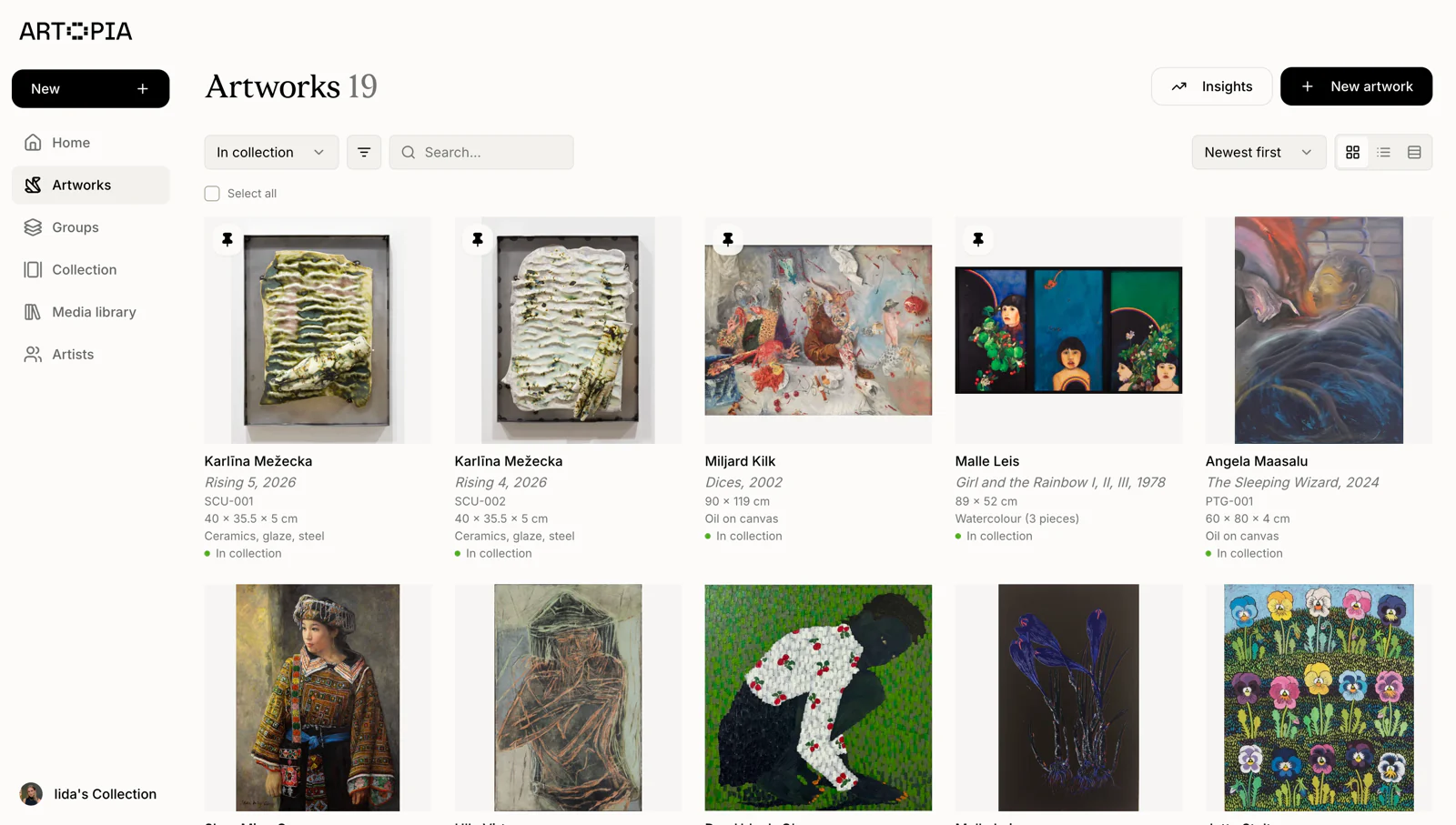
In Artopia, choose Import artworks from the Add artwork menu. Upload your completed Excel or CSV file, review the preview and confirm.
Free template for Excel & Google Sheets
Record your artworks in a spreadsheet.
Upload it to Artopia to import your collection.
Free download. No email required.
| Column | What to enter | Example |
|---|---|---|
| Artist | The artist’s full name in one cell. Use the same spelling for every work by that artist. | Alex Morgan |
| Title | The artwork’s title. Use Untitled if the work has no title. | Morning Light |
| Creation Date | The year, approximate date or date range when the work was made. This field accepts text. | 2024 or c. 1960 |
| Medium | The materials and technique, such as bronze, photograph or oil on canvas. | Oil on canvas |
| Height | A number only. Put the measurement unit in the Unit column. | 60 |
| Width | A number only. Use a decimal point when needed, for example 80.5. | 80 |
| Depth | A number only. Leave blank if it is unknown or not relevant to the work. | 3 |
| Unit | Use cm for centimetres or in for inches. You can use a different unit for each artwork. | cm or in |
| Purchase Price | The amount paid for the artwork. Use a number without a currency symbol or thousands separator. Leave blank if unknown. | 2400 |
| Currency | The three-letter currency code for the purchase price. Artopia’s import preview checks supported currencies. | EUR, USD or GBP |
| Purchase Year | The four-digit year the artwork was purchased. Leave blank if unknown. | 2024 |
Import into Artopia
Upload your completed template, check the preview and import your artworks. Add images and documents afterwards.
In Artopia, choose Import artworks from the Add artwork menu. Upload your completed Excel or CSV file, review the preview and confirm.