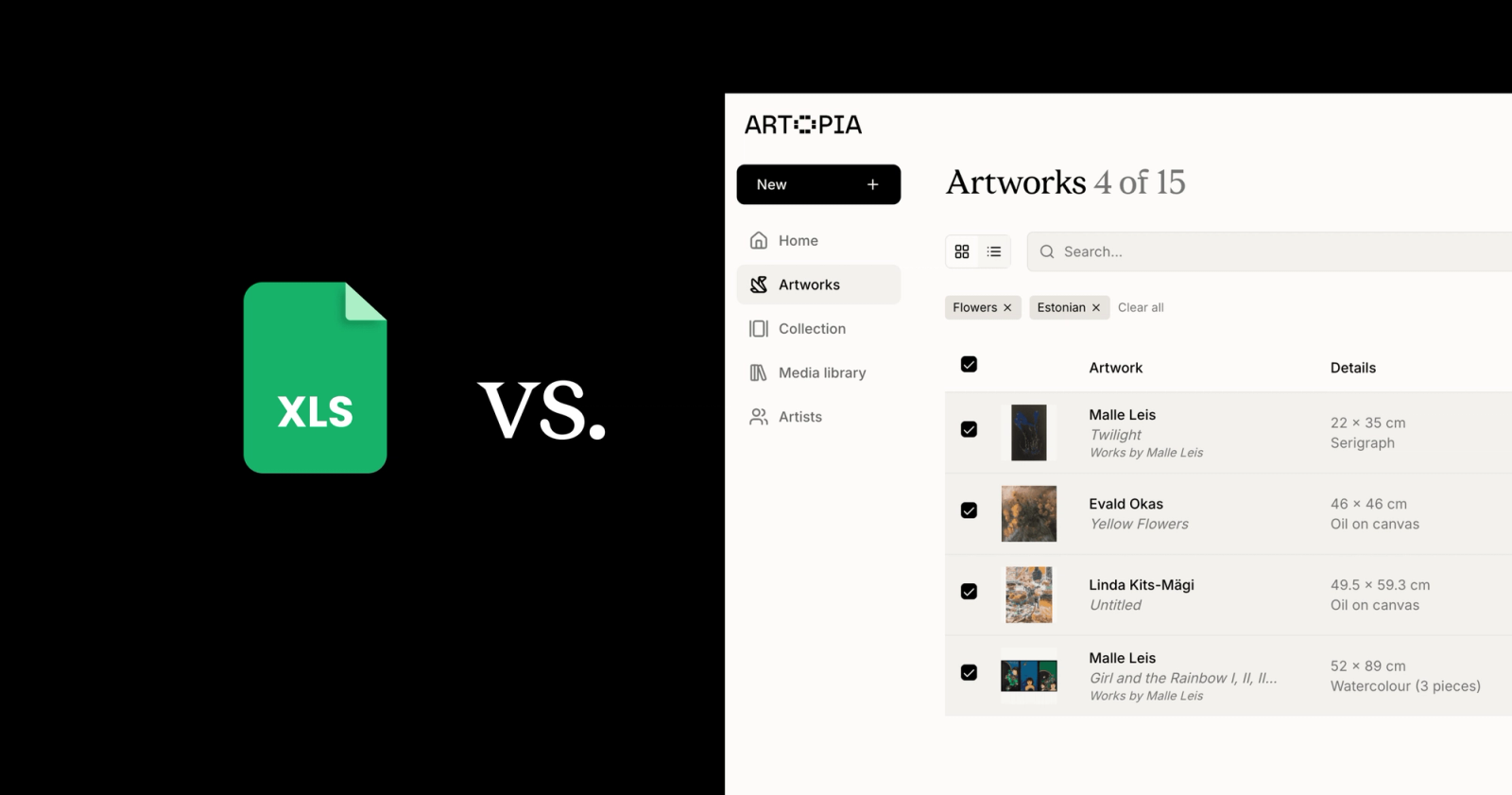
Many collectors manage their art collection in a spreadsheet. It is the obvious first step: free, familiar, and fast to set up. You add a row for each work, fill in the artist, title, dimensions, what you paid, and move on.
It works, for a while. But as collections grow, spreadsheets start to show their limits. And those limits have a real cost: to your records, to the value of your works, and to how much you actually enjoy managing what you have built.
This article looks honestly at both approaches, so you can decide what is right for where your collection is now.
What spreadsheets do well
Spreadsheets are free, familiar, and flexible. You can set them up in minutes, structure them however you like, and share them with anyone who has access to the file.
For a small collection (say, five to ten works) a spreadsheet can be perfectly adequate. You can record the basics, sort by artist or date, and keep everything in one place without learning any new tools.
There's also a psychological benefit: building a spreadsheet feels like taking your collection seriously. It's an act of intention. And that instinct is exactly right.
Where spreadsheets fall short
The problems tend to arrive quietly, and then all at once.
Images don't live there. A spreadsheet holds text. Your artwork exists visually. This means the record of a work and the work itself are always in different places: a photo buried in your camera roll, a scan sitting in a folder, a high-res image attached to an email from three years ago. When you want to show someone your collection, or remind yourself what you actually own, you're assembling pieces from multiple sources every time.
Documents get separated from works. Certificates of authenticity, invoices, condition reports, correspondence with the gallery. All of this belongs to specific artworks. In a spreadsheet, the best you can do is note that a document exists somewhere. The document itself lives elsewhere, and over time, "elsewhere" becomes harder to find.
Sharing is clumsy. If someone asks to see your collection (a friend, an advisor, an insurer) you're either forwarding a file, copying rows into an email, or exporting a PDF that immediately goes out of date. There's no clean way to share a living view of what you own.
It doesn't scale gracefully. At twenty works, a spreadsheet is manageable. At fifty, it starts to feel unwieldy. At a hundred, it becomes a project in itself, something you dread updating rather than something that supports your relationship with your collection.
You can lose it. Spreadsheets live on devices or in cloud storage that depends on a single account. Without careful backup habits, years of records can disappear. And unlike purpose-built tools, there's no safety net built in.
What art collection management software is designed to do
A purpose-built art collection management app is built around the way collectors actually think about their works, not around rows and columns.
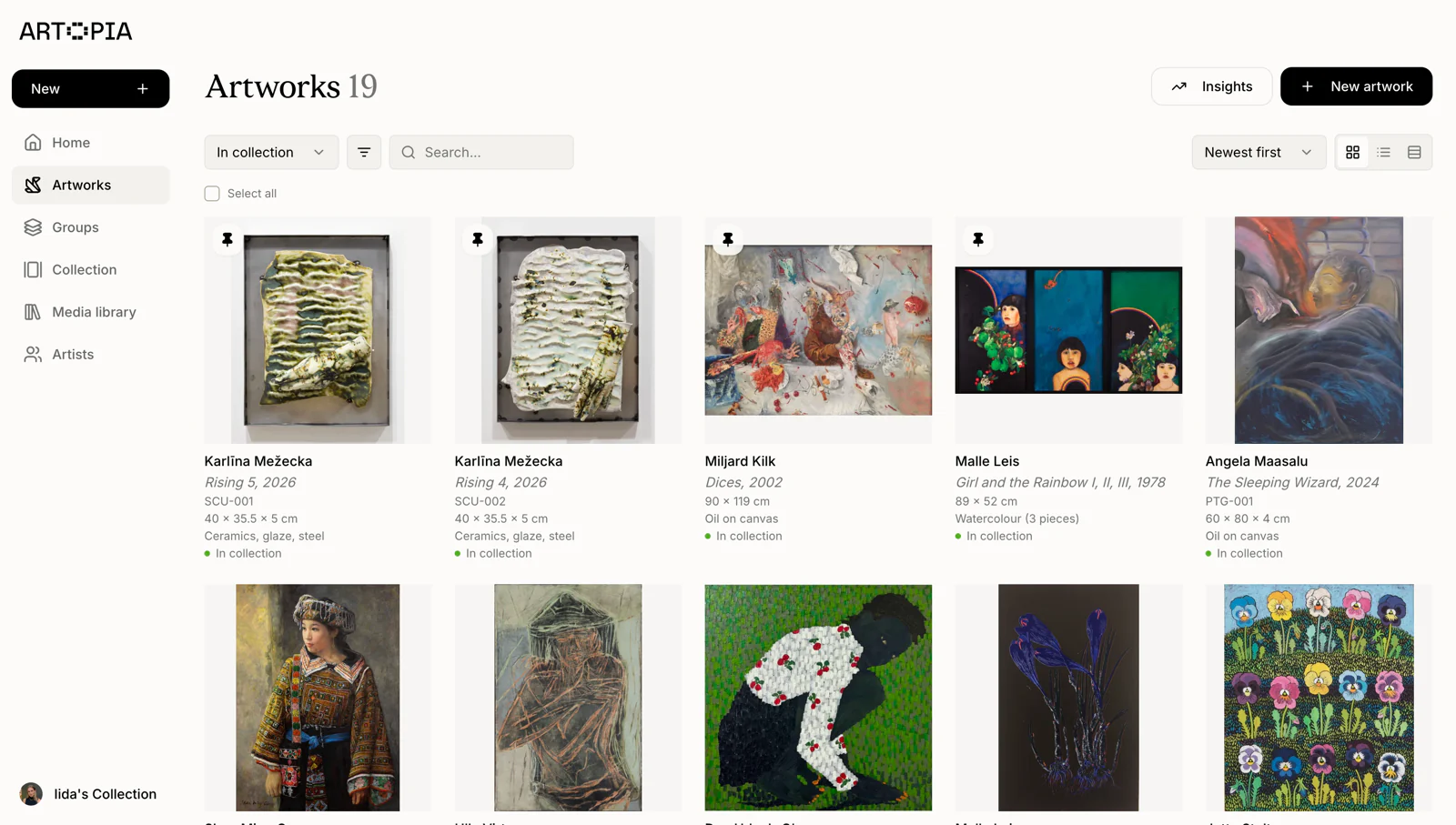
Each artwork gets its own record: artist, title, year, medium, dimensions, provenance, acquisition details. But that record also holds everything connected to it. Images, documents, certificates, notes. Everything in one place, attached to the right work, available whenever you need it.
This changes something practically. When you want to look up a piece, before a viewing, before a conversation with a gallery, before updating your insurance, you're not assembling information from multiple places. It's already there.
A good tool also makes sharing feel natural. Rather than exporting and forwarding, you can share a curated view of selected works as a clean, browsable page. Your collection on your terms, without the friction.
And because your data is stored properly, it's exportable. A well-designed tool will let you take your records and your media with you, in standard formats, at any time. No lock-in.
The honest comparison
| — | Spreadsheet | Dedicated software |
|---|---|---|
| Cost | Free | Free to get started |
| Setup time | Minutes | Minutes |
| Images attached to records | No | Yes |
| Documents attached to records | No | Yes |
| Shareable collection view | No | Yes |
| Scales with your collection | Poorly | Yes |
| Data export | CSV only | CSV + media files |
Which is right for you?
If you have a very small collection and no plans to grow it, a spreadsheet may be all you need. The act of recording your works matters more than the tool you use.
But if you're buying intentionally, if your collection is growing, or if you've ever felt the frustration of tracking down a certificate or explaining to someone what you own, dedicated art collection management software will save you time and give your collection the home it deserves.
The good news is that switching is easier than it sounds. Artopia team can help you with importing your data in bulk, so the work you've already done doesn't go to waste.
How Artopia approaches art collection management
Artopia is art collection management software built for collectors who want something simple and intuitive, not a database designed for institutions, but a tool that works the way collectors actually live with their art.
Each artwork record holds everything: the details, the images, the documents. Your collection is private by default, but you can publish selected works to a shareable public page whenever you want. And your data is always yours, exportable as a CSV with all your uploaded media, no questions asked.
If you've been meaning to get organised, it takes less than a few minutes to get started.