Core data & Identity
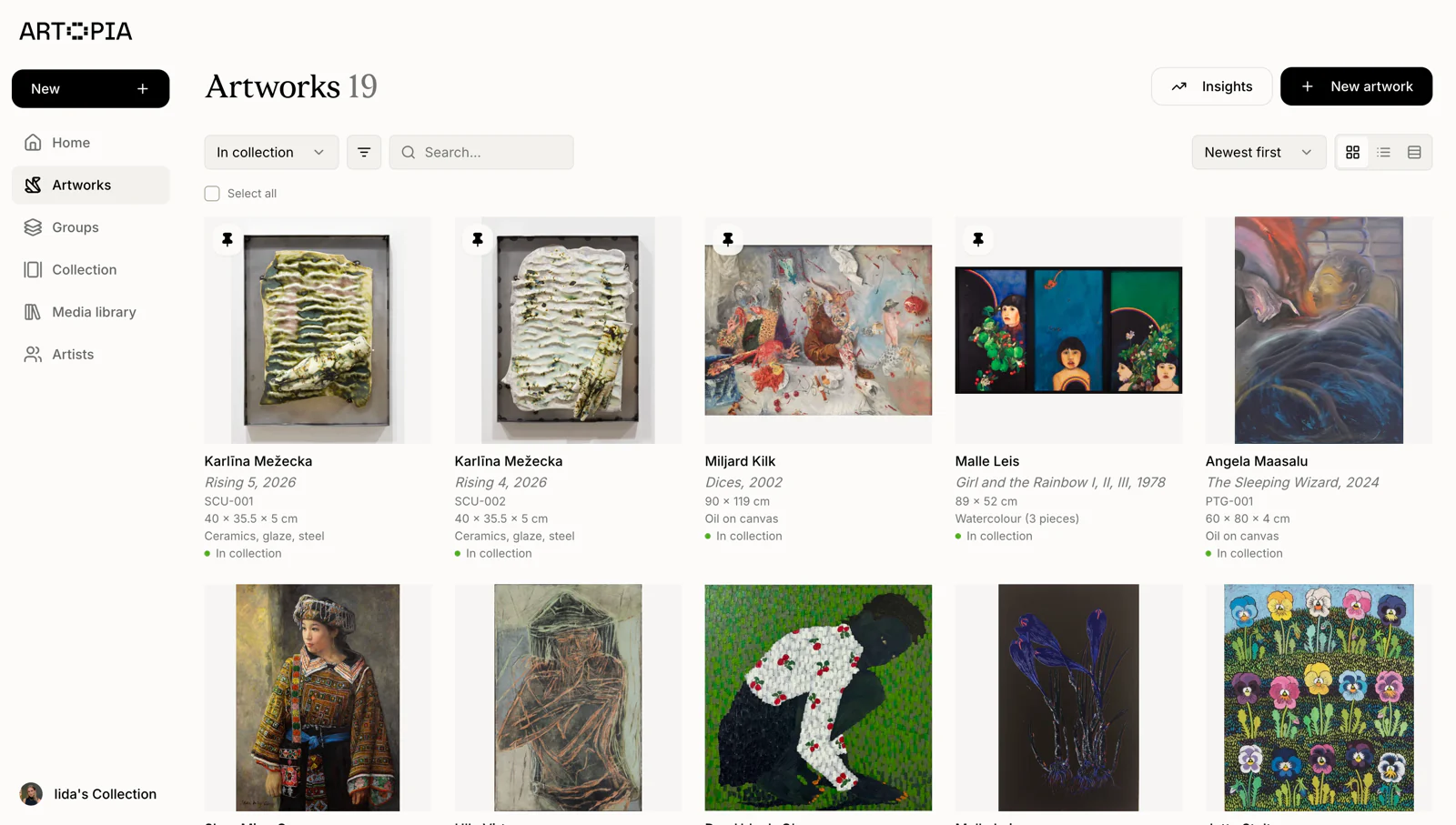
Artist, title, creation date and inventory number. Give each work a clear reference, so similarly titled pieces are easy to tell apart.
Explore the artwork record fields ↗Art collection essentials
Keep artwork details, images, documents, values, and provenance together in Artopia. Spend less time searching through spreadsheets and folders.
Free for up to 50 artworks. No credit card required.
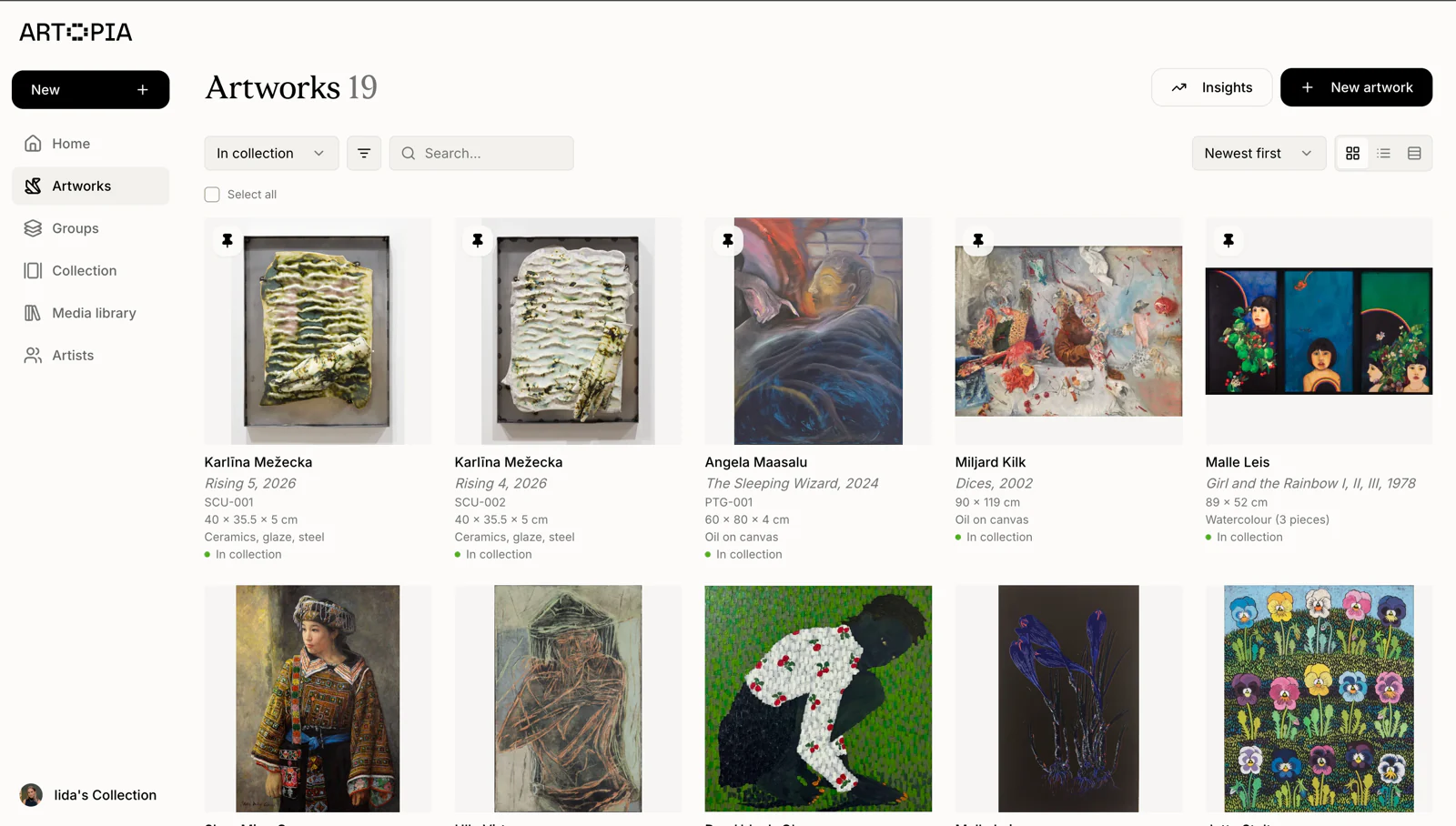
The artwork record
Start with the details you know. Record each artwork’s identity, physical details and location, then connect its images, documents and history.
Artist, title, creation date and inventory number. Give each work a clear reference, so similarly titled pieces are easy to tell apart.
Explore the artwork record fields ↗Medium, dimensions, edition, signature and framing. Keep the details you need when planning a display, preparing a shipment or describing a work.
See physical detail fields ↗Location, status, series and tags. Record where a work is and whether it is in the collection, on loan, reserved or sold.
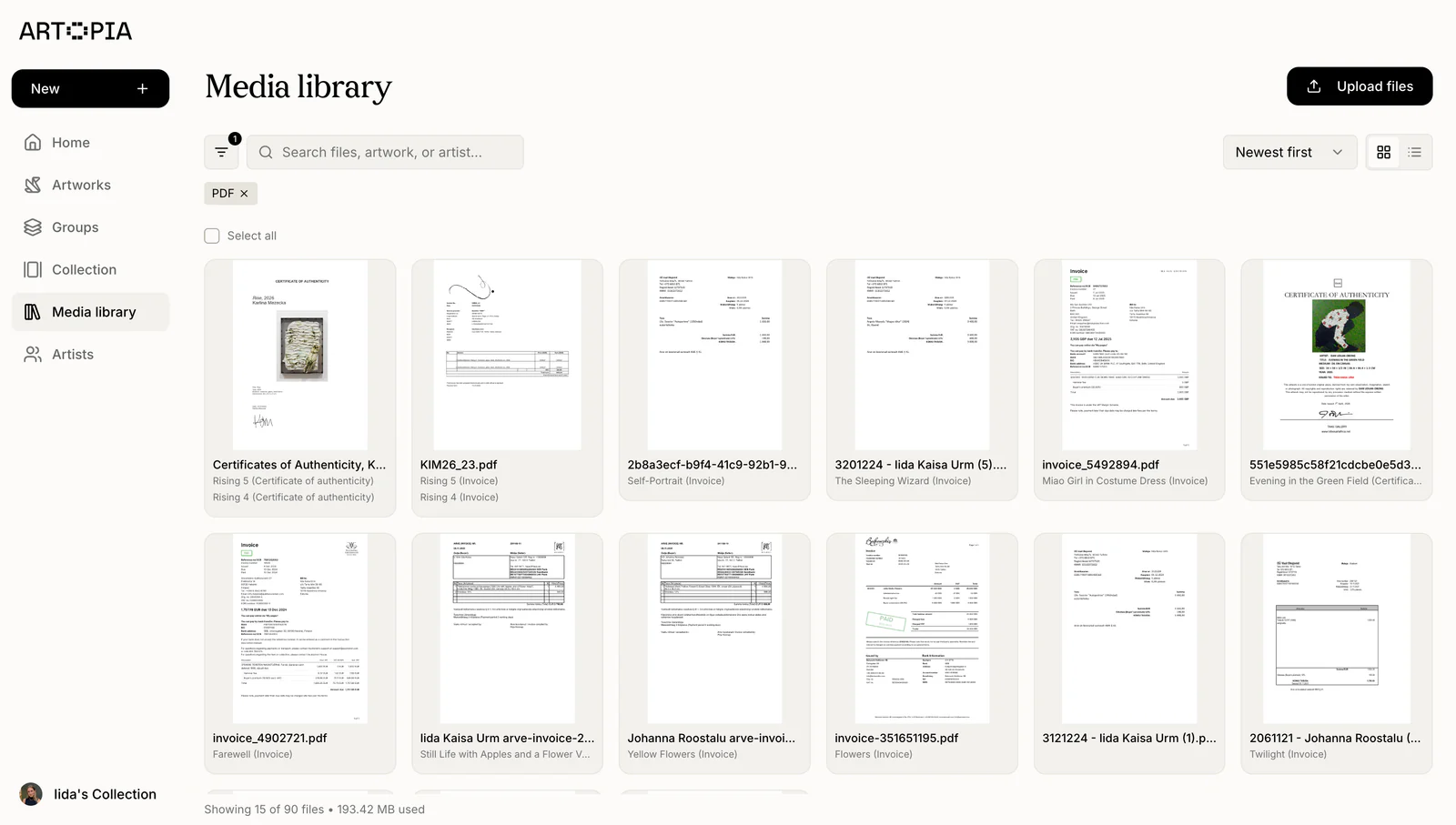
Update locations and statuses ↗Front, back and detail images; invoices and certificates. Attach the photographs and paperwork that belong to each artwork, rather than hunting through folders.
Add images and documents ↗Ownership history, condition entries and supporting files. Build a record of a work’s history and condition as new information becomes available.
Track provenance and condition ↗Purchase details, valuations, insurance values and sale prices. Keep dated value entries and their supporting documents together. A purchase price and a later appraisal tell different stories.
Learn about value history ↗From catalogue to daily use
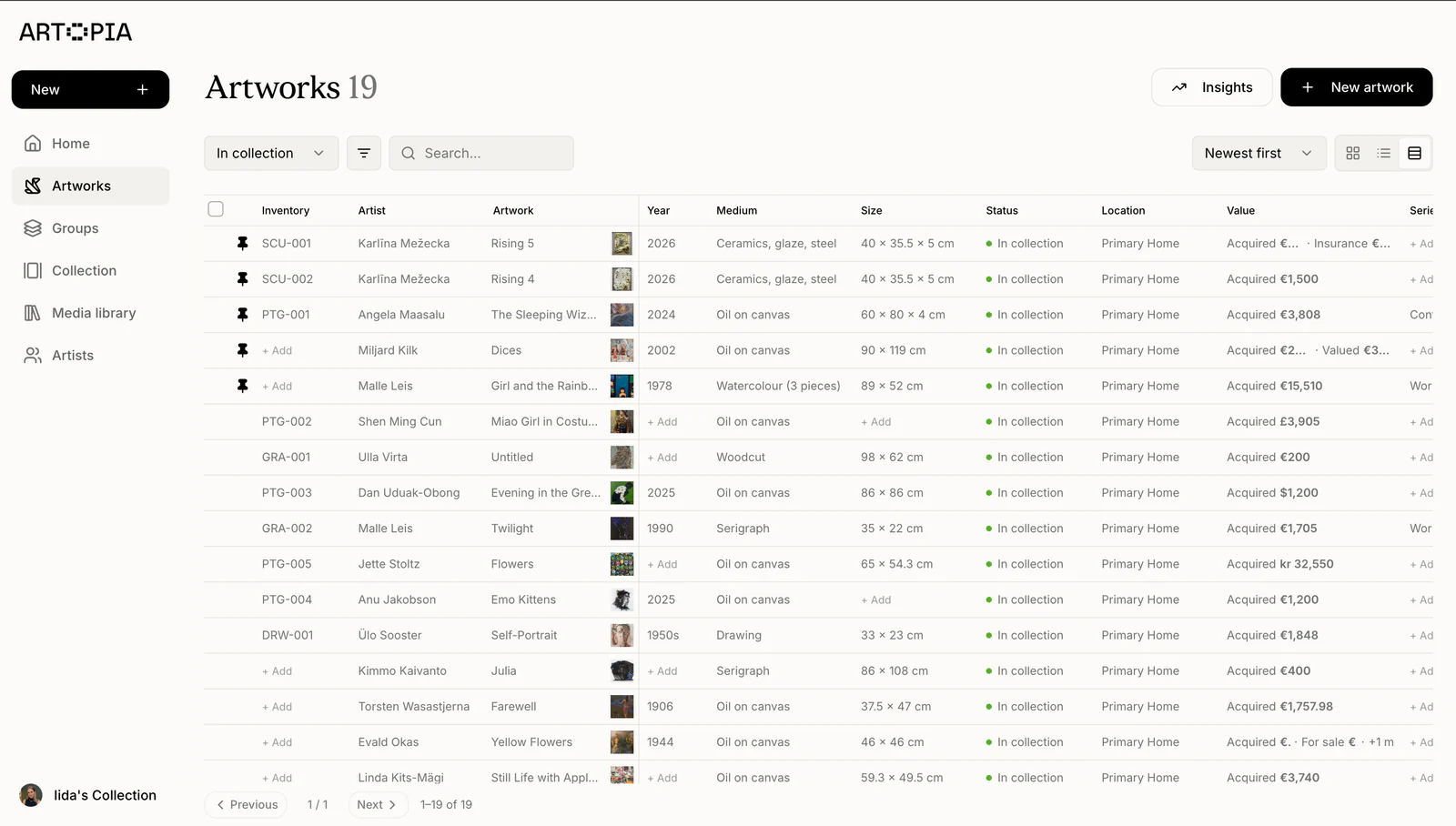
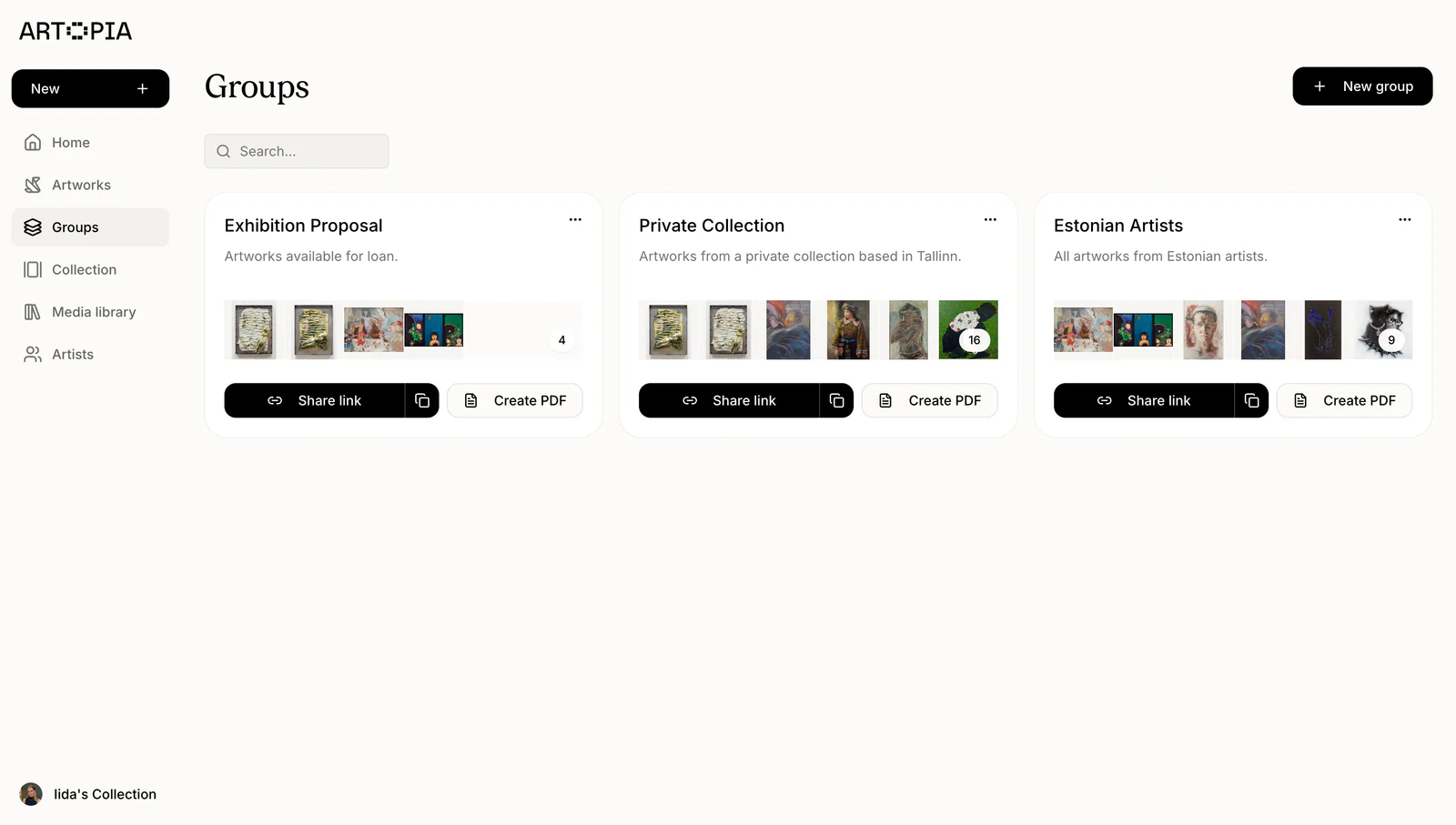
Switch to list view for a different overview. Use search, filters, groups and tags to narrow your inventory.
Learn about search and filters ↗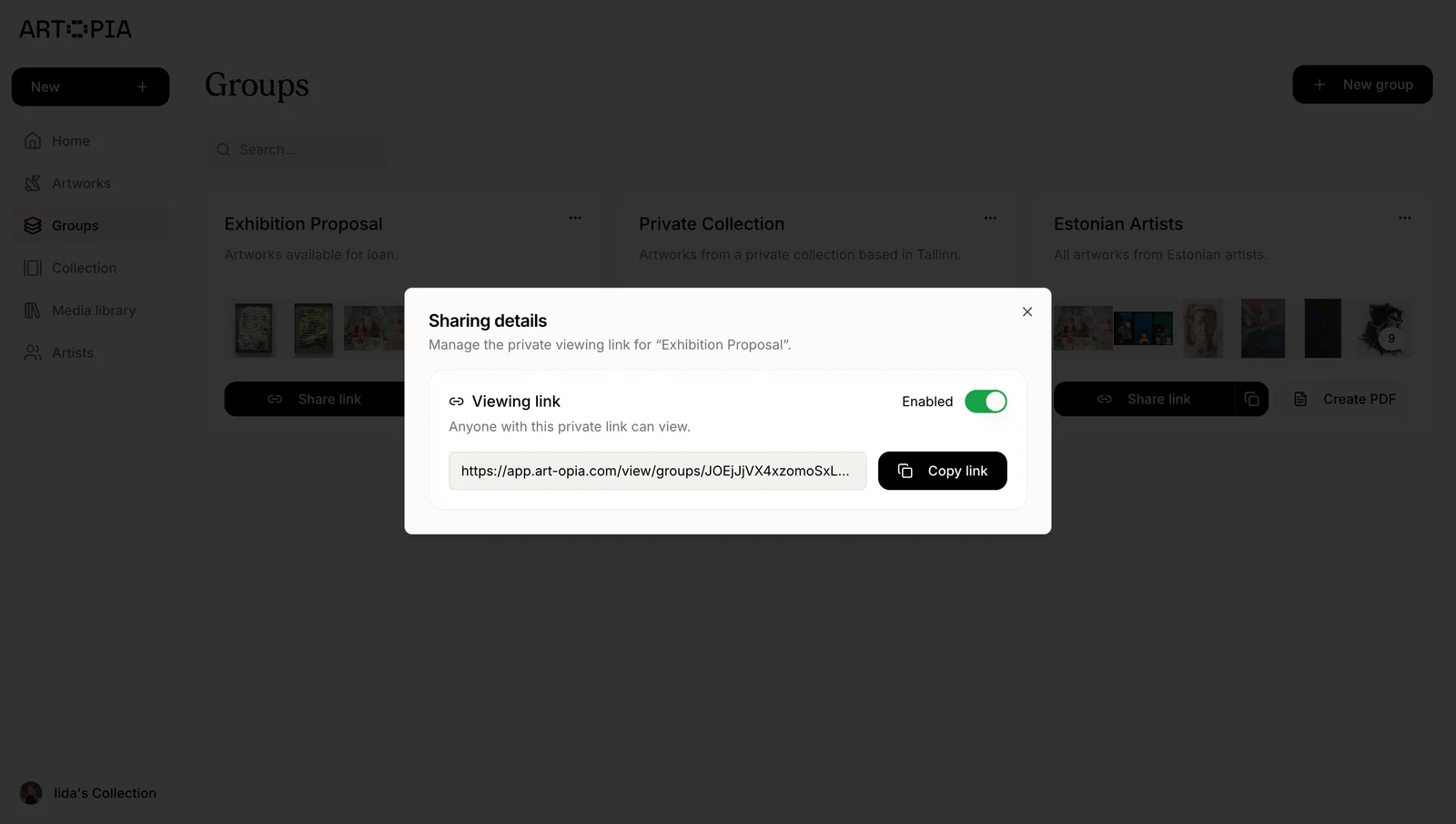
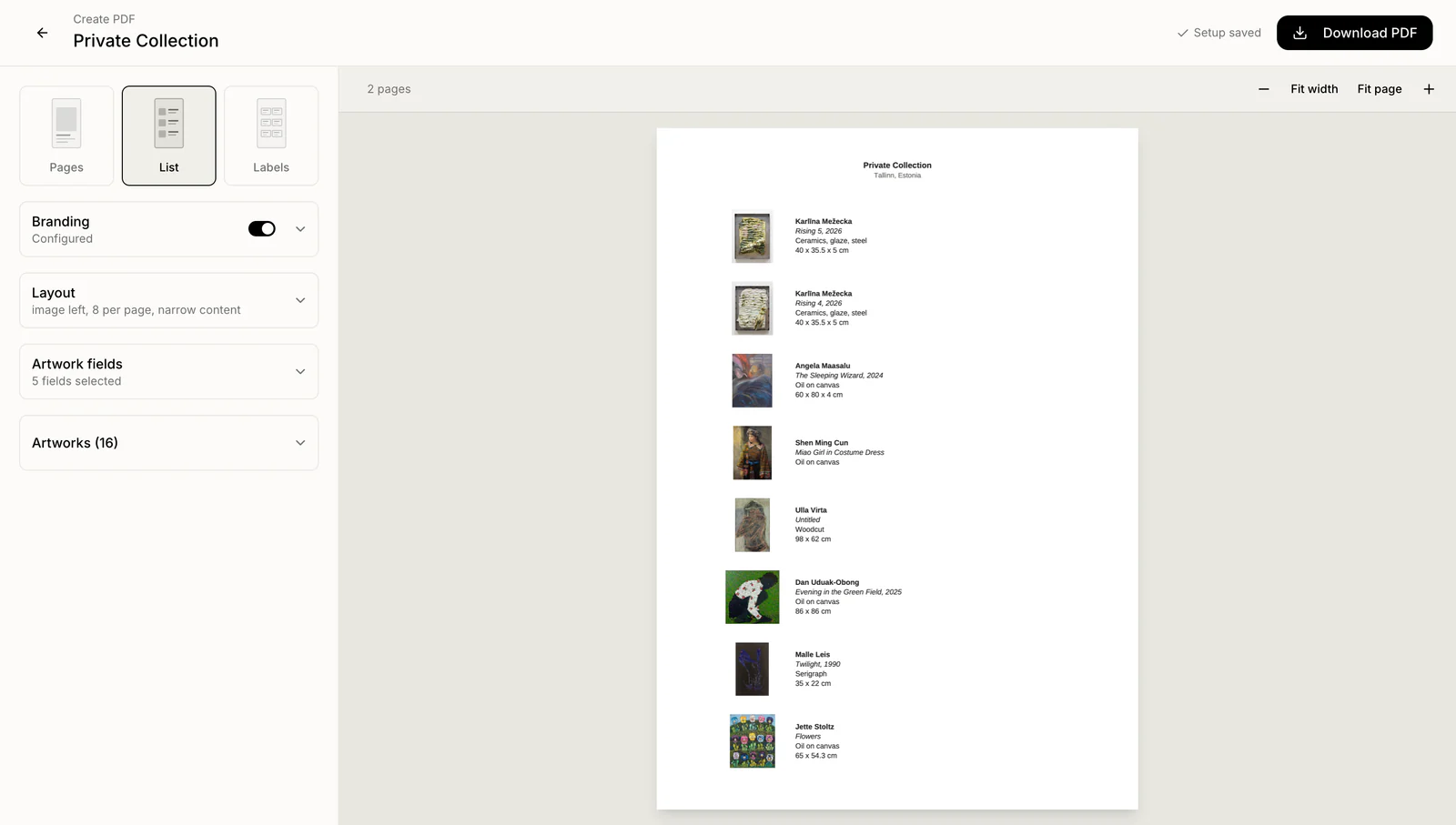
Share selected artworks through private viewing rooms or branded PDF catalogues. Control viewing links and customise PDF details for collectors, galleries or advisors.
Choosing your tools
Scroll to compare all columns
| Inventory feature | Excel / Google Sheets |  |
|---|---|---|
| Artwork details | Rows and columns you define yourself. | Dedicated artwork records with linked artists and inventory numbers. |
| Artwork images | Images in cells or links to separate folders. | Front, back and detail images, with a primary image for each artwork. |
| Documents | Separate files, linked and maintained by hand. | Add invoices, certificates of authenticity, loan agreements and more. |
| Location & status | Location and status columns you maintain. | Track locations and statuses: in collection, on loan, reserved or sold. |
| Finding a work | Search, sort and filter your columns. | Visual grid and list views with search, filters, groups and tags. |
| Value history | Extra columns or sheets for changing values. | Dated acquisition prices, valuations, insurance values and sale prices. |
| Provenance | Ownership notes or a separate history sheet. | Dated provenance entries with supporting documents. |
| Condition records | Condition notes and photos in separate files or sheets. | Dated condition entries with supporting images and documents. |
| Private viewing rooms | Shared sheets; no built-in artwork viewing room. | Share selected artworks privately by link; enable or disable access. |
| Artwork PDF exports | Sheet-to-PDF export; artwork layouts formatted manually. | Branded artwork PDFs, lists and labels with custom layouts and fields. |
| Data exports | Export the sheet; gather images and files separately. | Artwork records as CSV; images and documents as ZIP. |
Keep the work you’ve done. Use Artopia’s template to import artwork records from CSV or Excel, then check the preview before confirming.
Export anytime: download artwork records as CSV, create a PDF catalogue, or save images and documents as ZIP. Keep a backup or move to another tool.
Make a start
You do not need a finished catalogue to begin.
Enter an artwork yourself, or use Artopia’s template to import CSV or Excel files with up to 1,000 works per file, within your plan’s limit. Check the preview before confirming.
Add photographs, invoices and certificates to the relevant works. Spreadsheet imports bring in the supported record fields; attach your files separately.
Record a new acquisition, update a location or add a condition entry as it happens. Your inventory becomes more useful with each update.