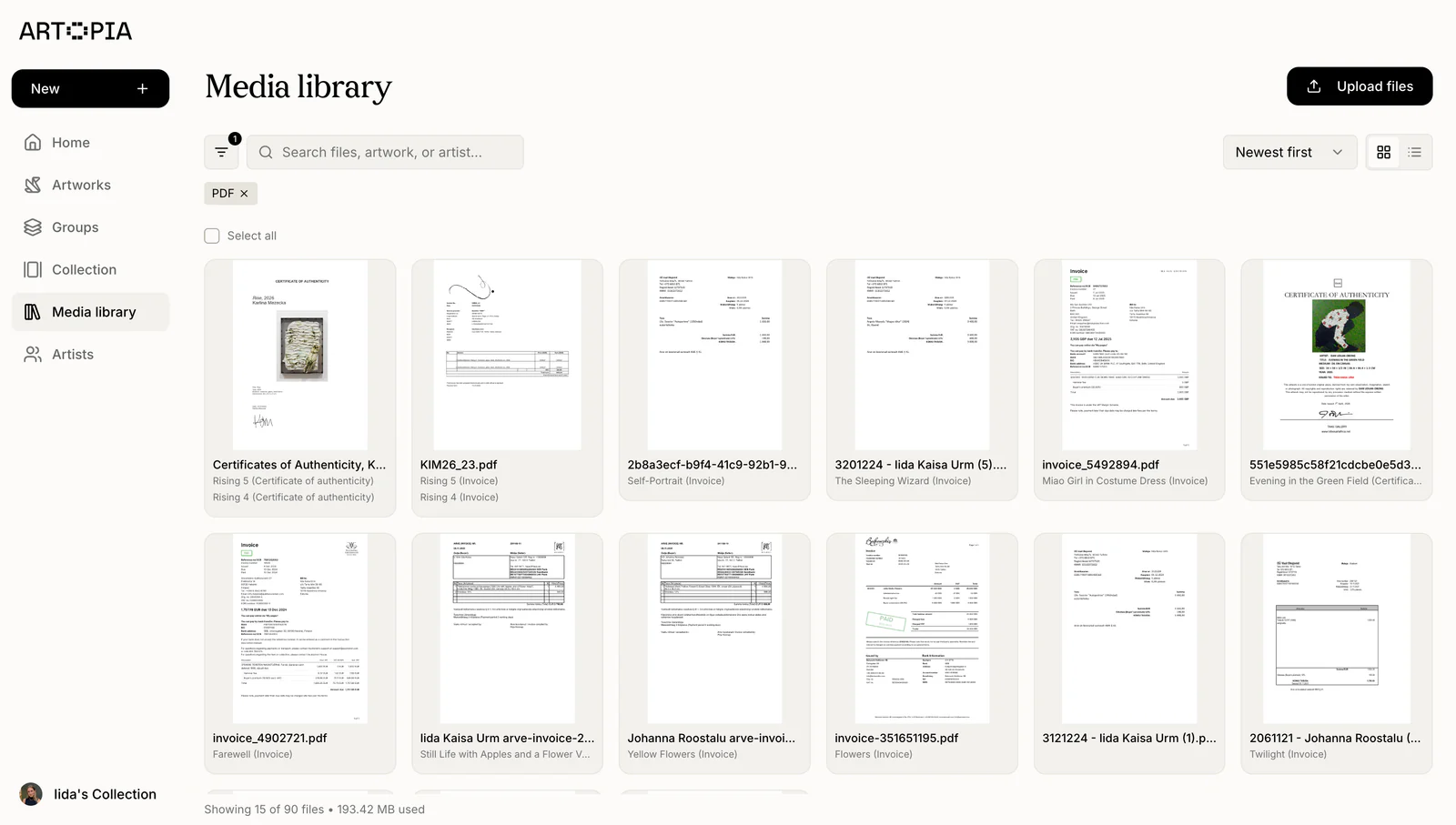
Keep inventory, availability and location clear
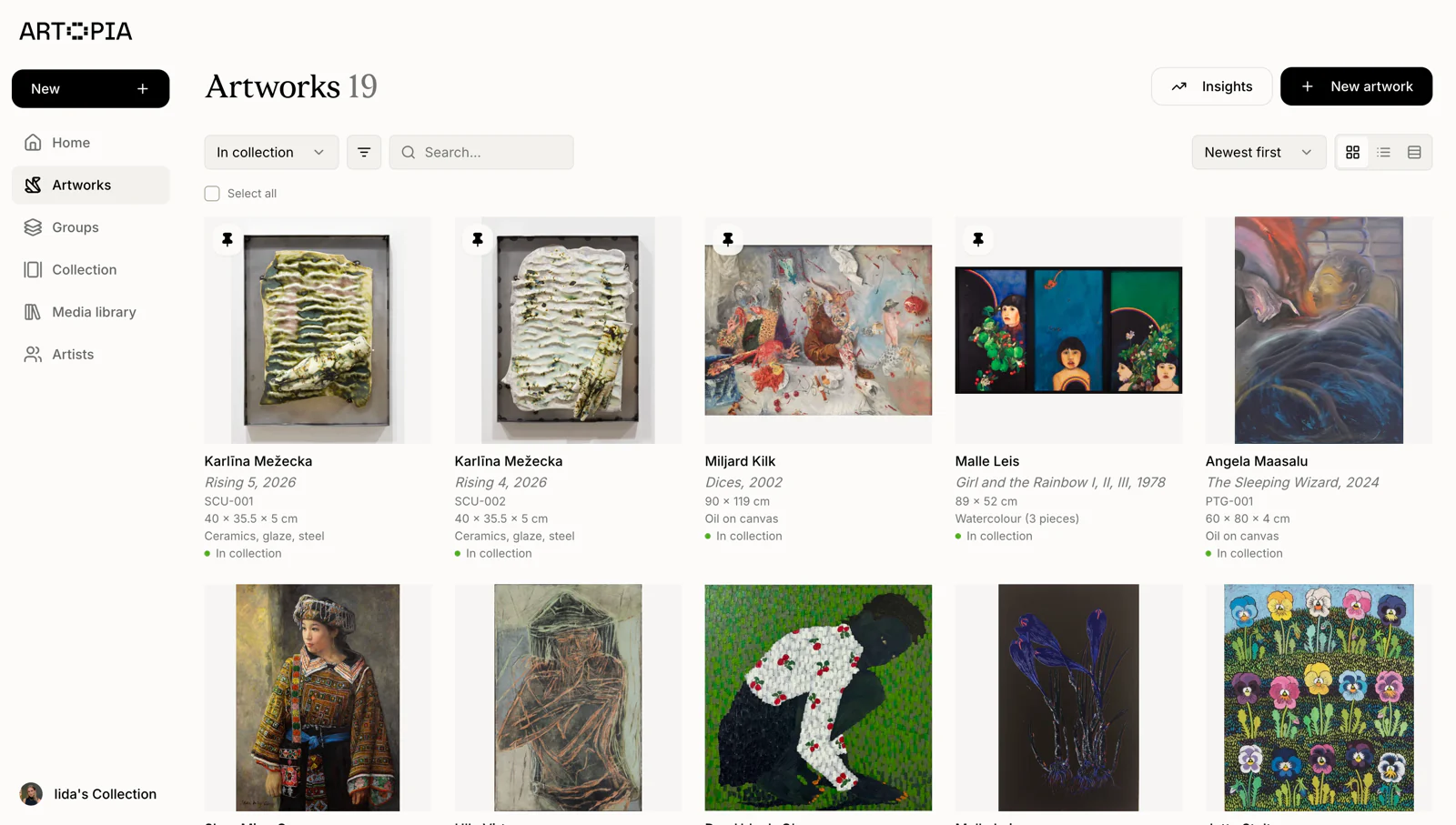
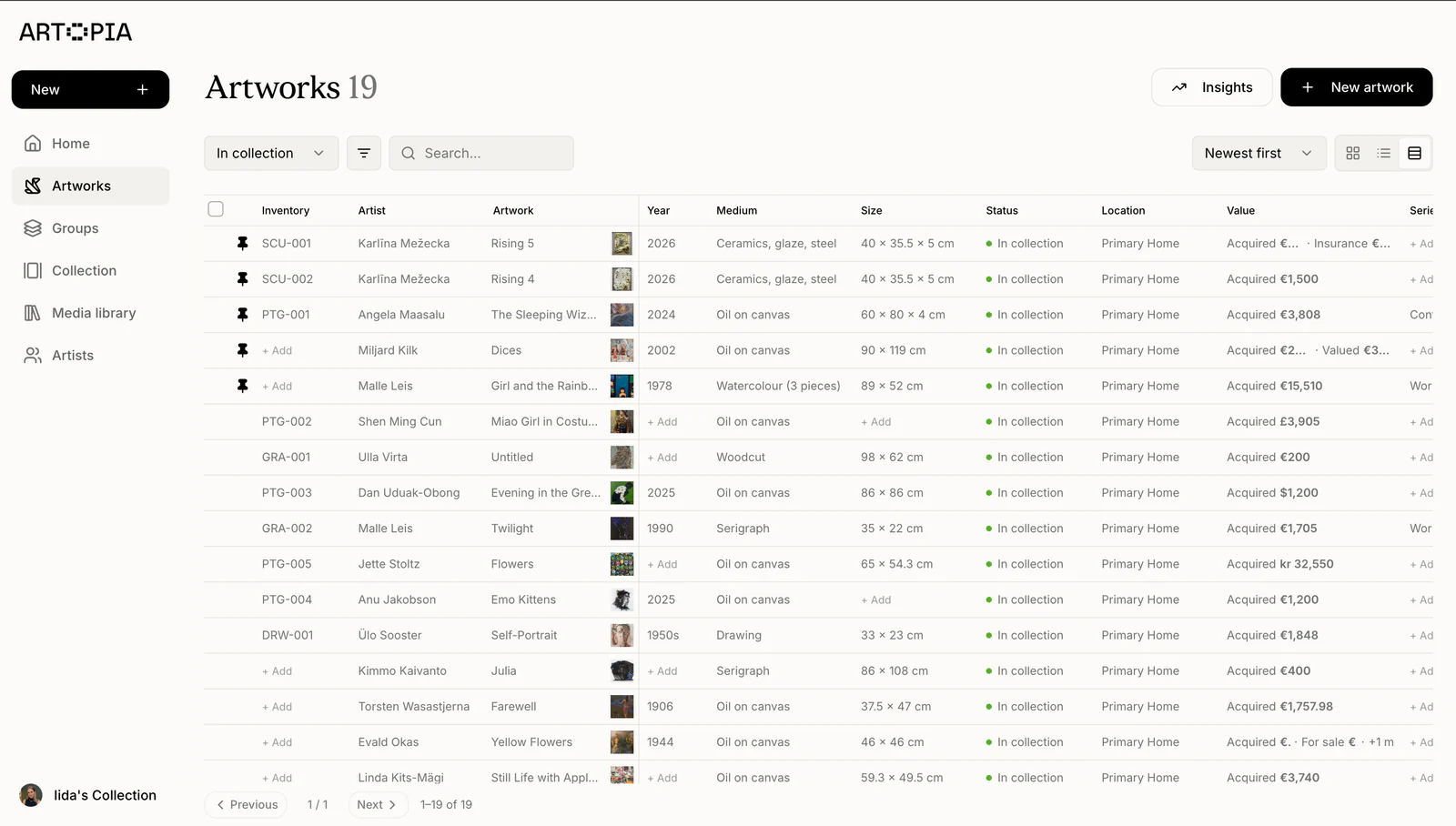
Use consistent records and your own numbering system to see which works are available, reserved, sold, on consignment, in storage or currently shown at an exhibition or art fair.
For galleries
Manage artwork inventory, consignment, storage and sales in one reliable catalogue. Artopia keeps each work's details, location and status current for your team.
Start your collection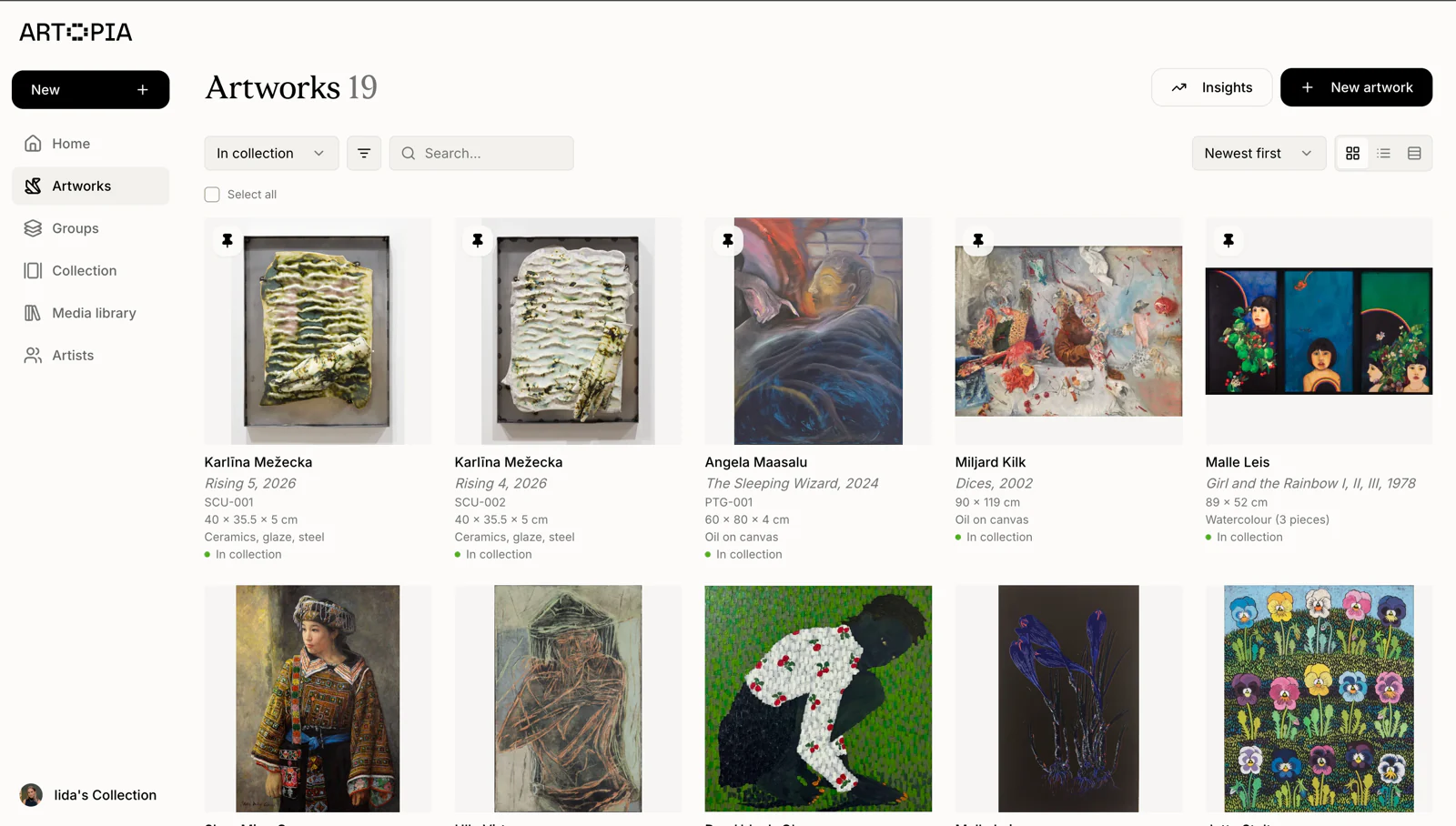
Use consistent records and your own numbering system to see which works are available, reserved, sold, on consignment, in storage or currently shown at an exhibition or art fair.
Connect images, provenance, condition, pricing, acquisition and sale details with each artwork so your team can find the right information without searching across separate files.
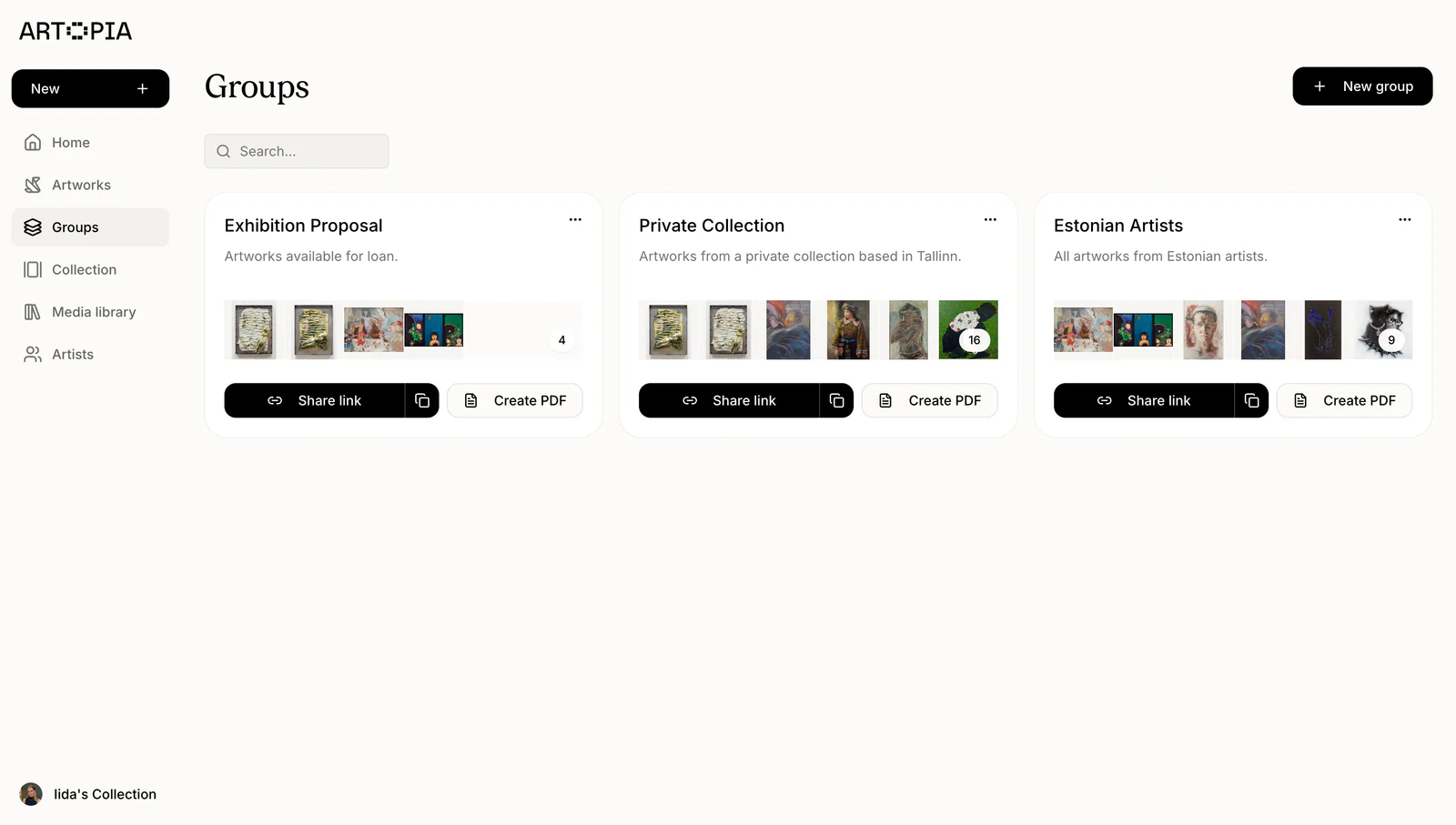
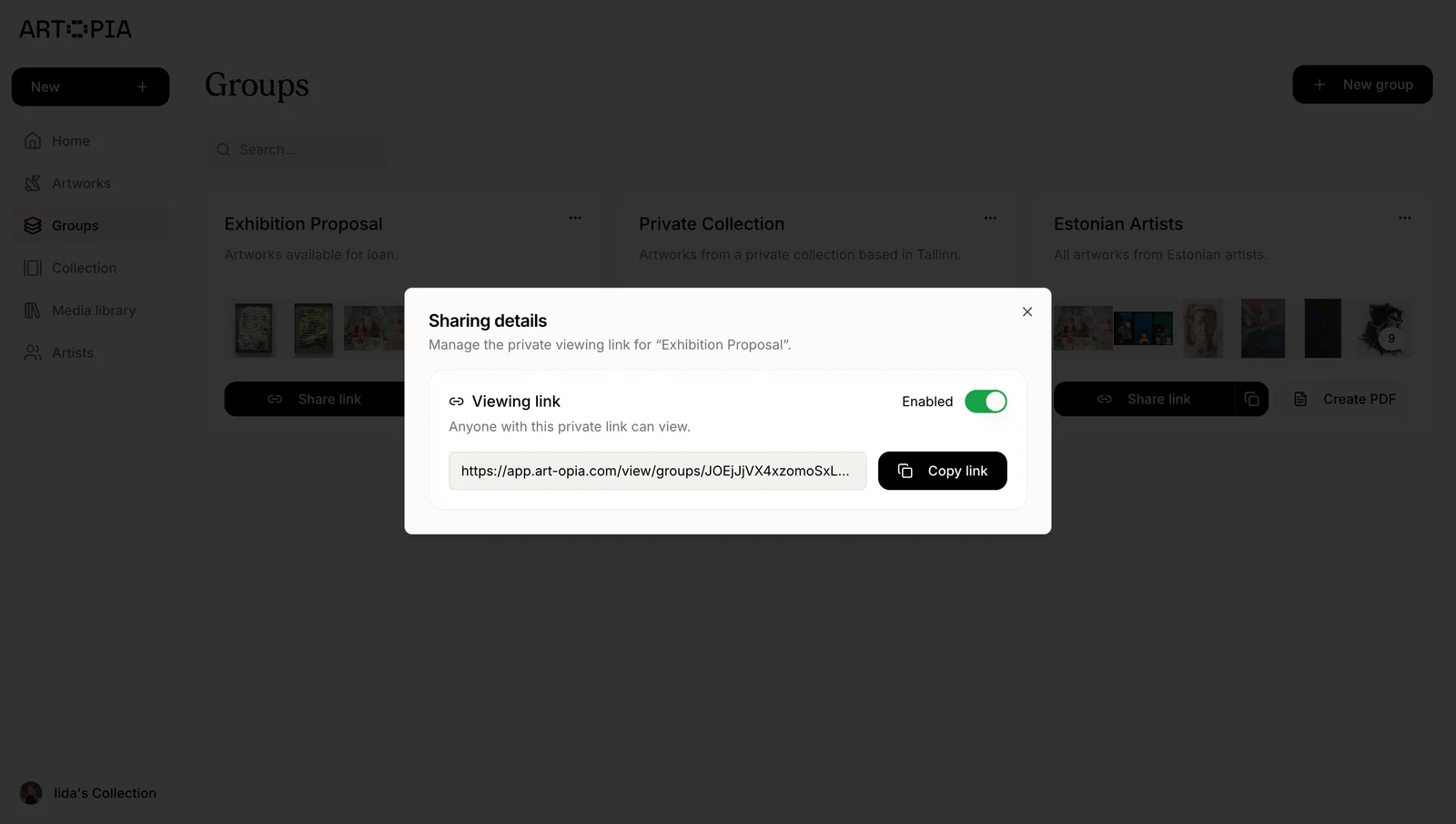
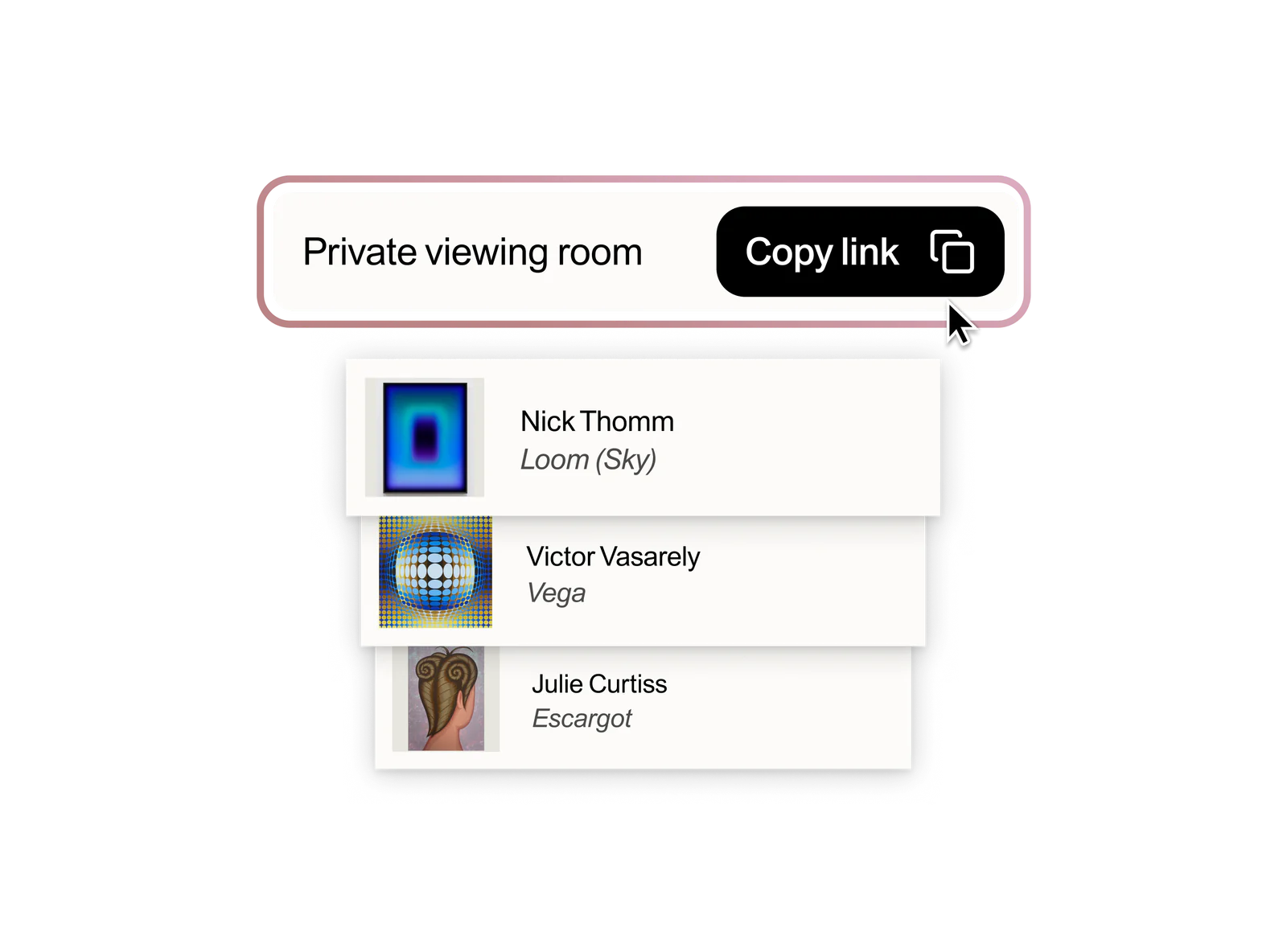
Create focused private viewing rooms and polished PDFs for collectors, advisors and fairs using the information already stored in your gallery inventory.
Artwork inventory
Track core details, availability and location across storage, exhibitions, consignments and client visits.
Client material
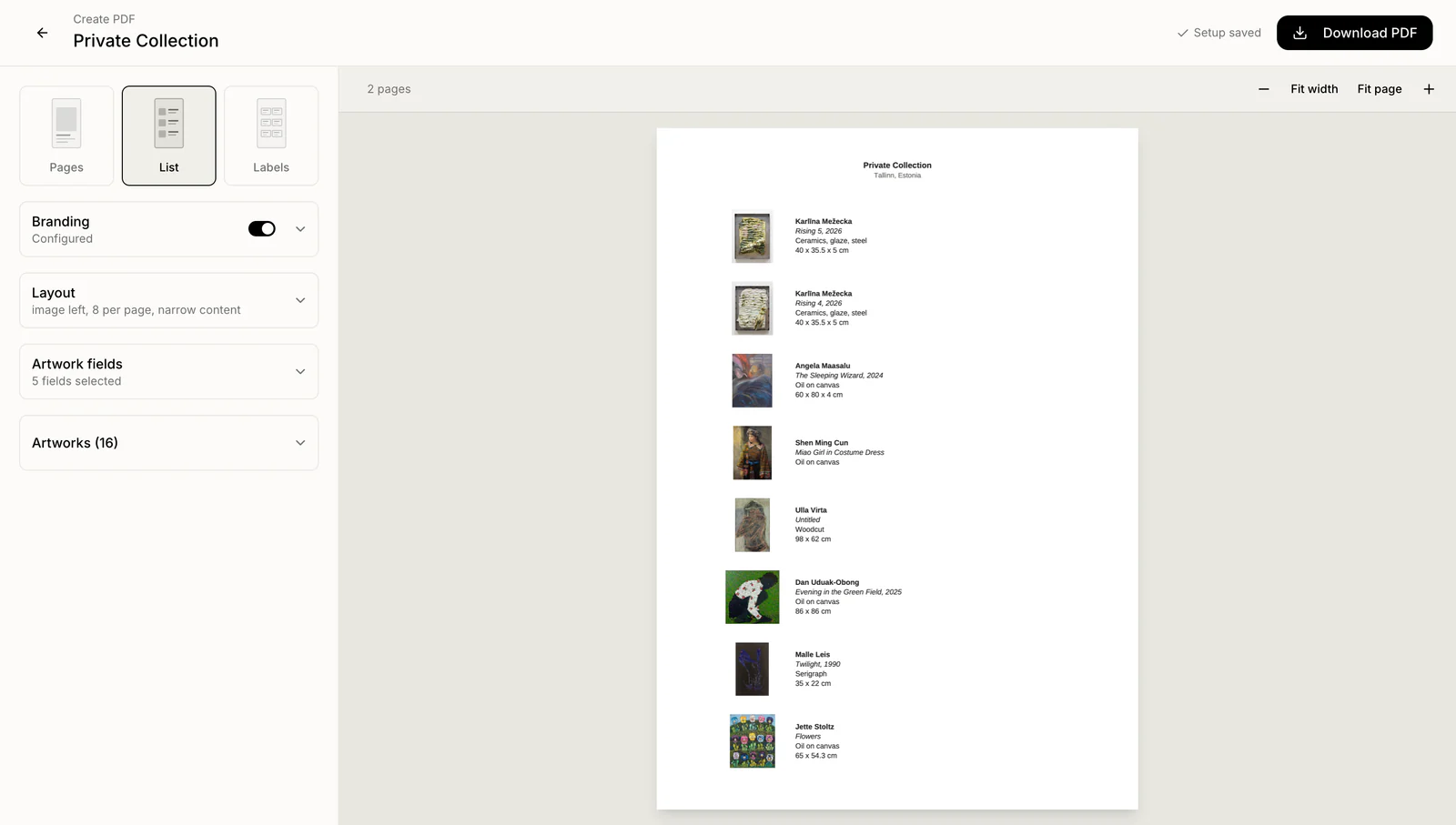
Generate consistent PDFs for individual works or curated selections without rebuilding the same information.
Provenance & condition
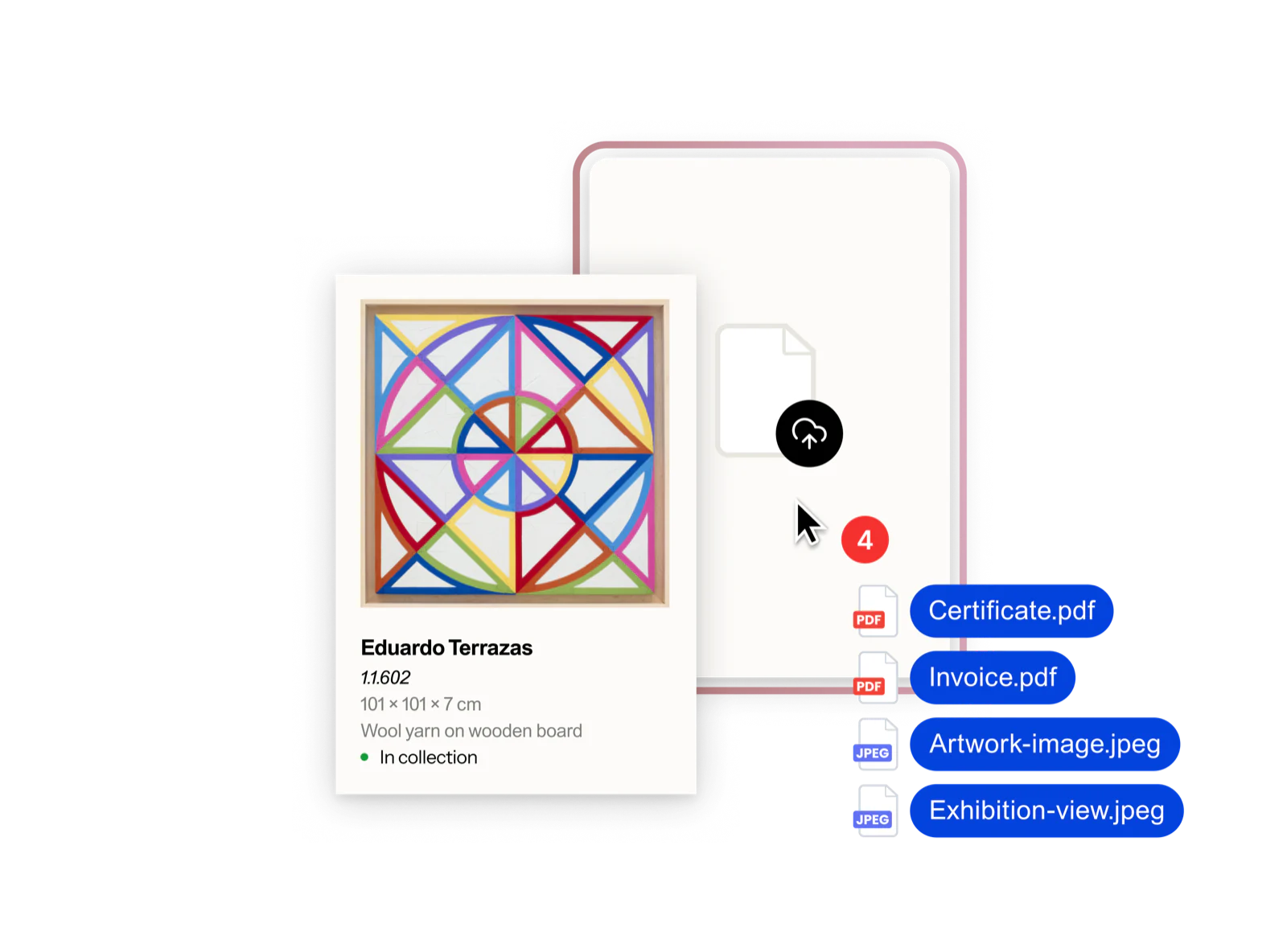
Connect provenance, condition notes, images and documents to the inventory record your team already uses.
Maintain clear artwork details, availability, sales information and supporting records in one catalogue.
Track artworks across storage, exhibitions, consignments and client visits as their status changes.
Create polished artwork sheets, curated PDFs and private selections without rebuilding information.
Gallery inventory
Organise works by artist, series, exhibition, or status. Keep images, dimensions, and location with each piece so you can answer inventory enquiries quickly.
Keep provenance, condition details, acquisition information, and supporting documents with each work, ready to review when a buyer or consignor asks.
Start with a clear record of every work you handle, then use tags, statuses, and inventory numbers as your programme expands.
Import a larger body of work, organise it by artist or series, and add images, provenance, and documents as the estate’s records are researched.

Excel, Artlogic & Artopia
See how each option handles artwork inventory, documents and client presentations.
Scroll to compare all options
| Gallery workflow | Excel | Artlogic |  |
|---|---|---|---|
| Artwork inventory | Rows and columns you maintain | Dedicated artwork records | Dedicated artwork records |
| Images & documents | Images in cells; linked files | Attached to artworks | Attached to artworks |
| Location & availability | Manually updated columns | Track locations and availability | Track locations and availability |
| Search & organisation | Spreadsheet filters | Search and organise artworks | Search, filters, groups and tags |
| Provenance | Notes and linked files | Provenance records | Provenance records |
| Private presentations | Shared sheets or separate documents | Private viewing rooms | Private viewing rooms |
| Artwork PDFs | Manually formatted layouts | Artwork lists and documents | Branded PDFs, lists and labels |
| Free inventory plan | Excel for the web is free | No free tier | 50 artworks, no credit card |
Last checked in 2026. Plans may change.