
July brought a set of improvements to Artopia across inventory numbering, custom statuses and document types, the artwork record, and artist pages, along with a new Learn and Support portal. Here is what is new.
Inventory numbers for your artworks
You can now assign a structured inventory number to each artwork, such as PTG-001 for your first painting or 2026-014 for a work acquired this year.
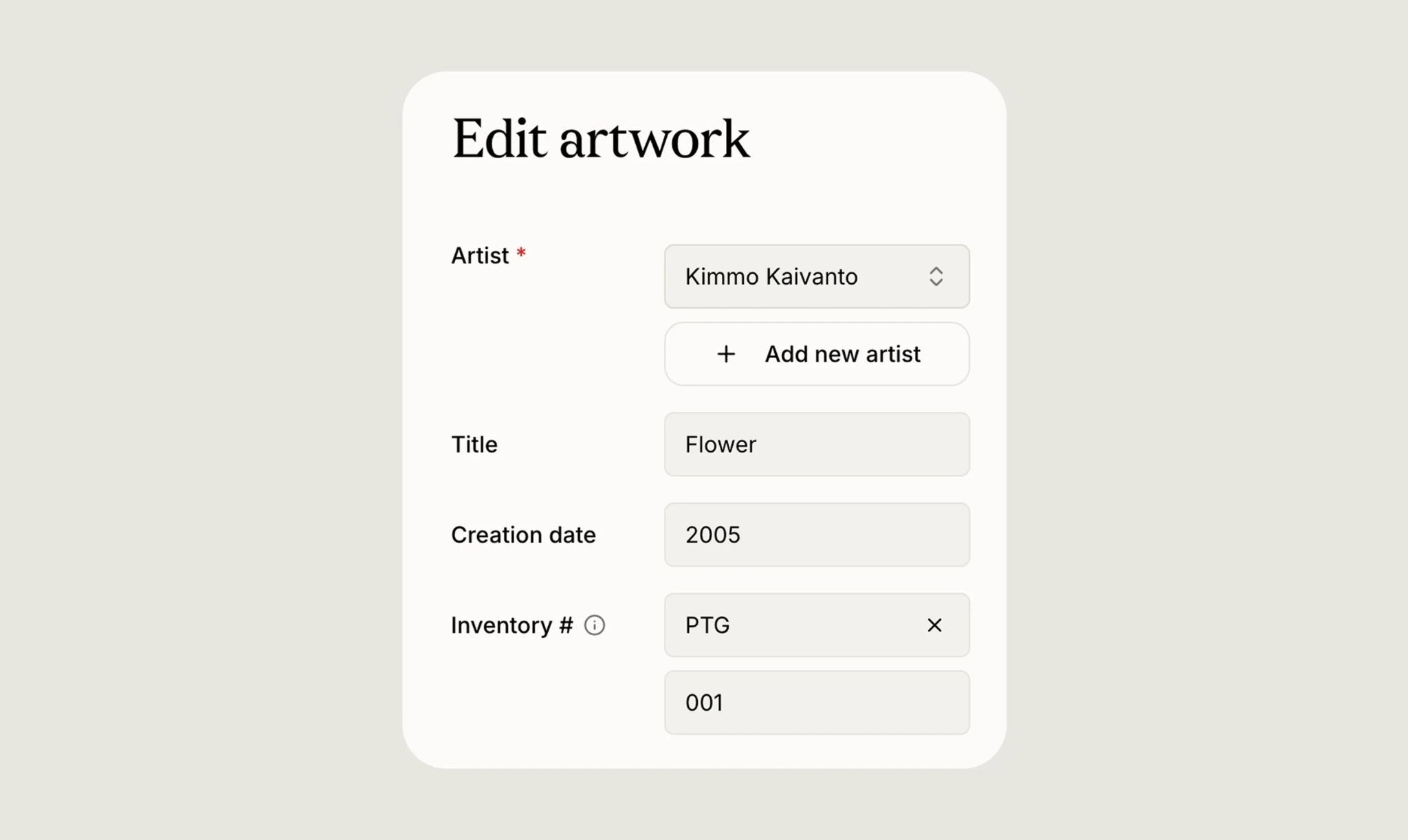
You create your own prefixes and reuse them across the collection, and Artopia suggests the next available number each time so you do not have to track where you left off. Leading zeros are preserved, prefixes can be renamed or removed at any time, and you will see a gentle warning if a number is already in use. Once your works are numbered, you can filter the collection by prefix and sort by inventory number or acquisition date.
A consistent numbering system makes every later task easier, whether that is matching a physical label to its record, referencing a specific work on an invoice or condition report, or simply finding a piece quickly in a long list. If you would like to set one up, the guide to inventory numbers walks through choosing a scheme, and the inventory numbering page in Learn covers how it works step by step.
Custom artwork statuses
Every collection tracks the state of its works differently. You can now create your own artwork statuses, name them as you like, give each a colour, and reorder them to match the way you work. Once they are set up, you can filter the collection by status to pull up everything at a particular stage in one view.
This replaces a fixed set of options with something that reflects your own process, whether that means tracking works that are on loan, promised, in conservation, or any other state that matters to you.
Custom document types
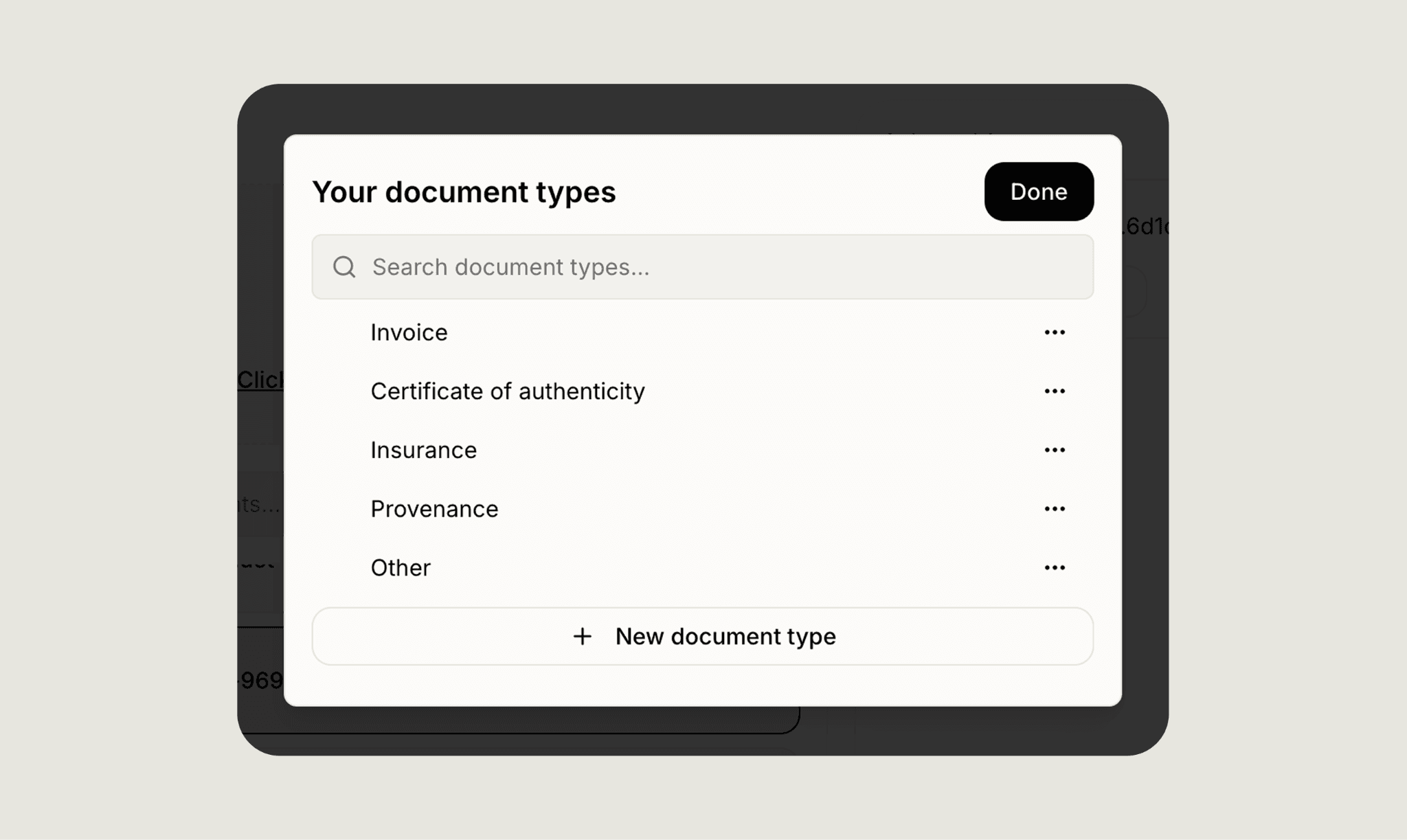
In the same spirit, you can now define document types specific to your collection. Create the categories you actually use, rename or remove them as needed, and search across them. Custom document types apply across artwork records, notes, valuations, and transfers, so the paperwork attached to a work is labelled the way you think about it.
A clearer artwork record
The artwork detail view had a few meaningful improvements this month.
Provenance now has its own dedicated section, giving the chain of ownership the space it deserves rather than sitting among other fields. Additional details are now grouped into a single, customisable system: you can create your own categories, and each entry can hold a description, notes, links, images, and documents. Notes are also easier to add, edit, review, and remove, with cleaner formatting and spacing throughout.
Taken together, these changes make the detail view a calmer, more organised place to keep everything you know about a work.
Improved artist pages
Artist pages now support more advanced searching, sorting, and filtering, so you can narrow the works under an artist by status, location, series, size, tags, acquisition date, and inventory number, among others. Browsing an artist's works on your phone is smoother too, with cleaner image display.
New Learn and Support portal
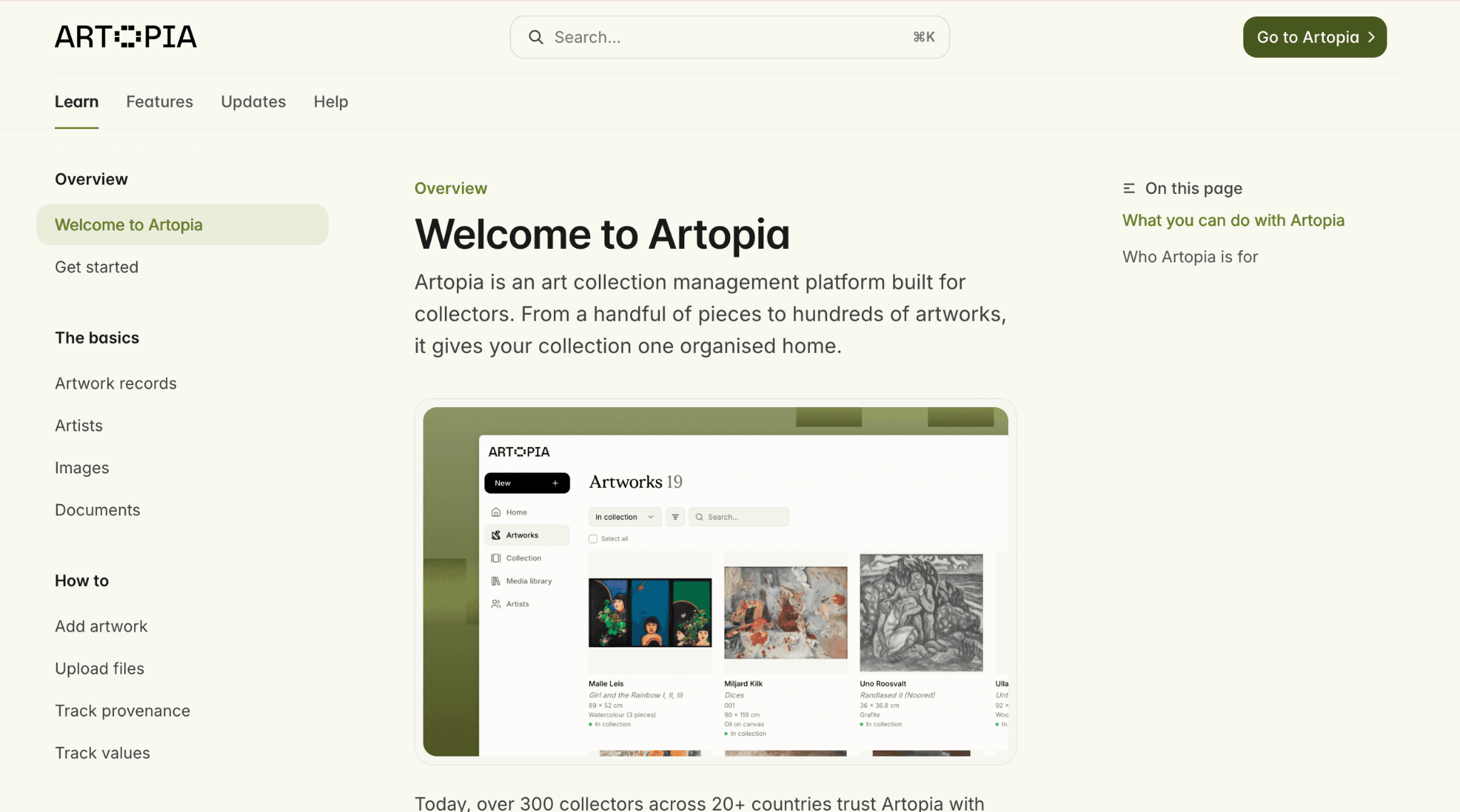
Our Learn and Support portal has been rebuilt from the ground up, and is reachable from the main navigation. The new version brings product guidance and support resources together in one clearer place, so whenever you want to understand how a feature works, it is easy to find your way around.
Frequently asked questions
How do inventory numbers work in Artopia?
You assign each artwork a number, optionally with a prefix you create, such as PTG-001. Artopia suggests the next available number in each prefix, and you can filter and sort your collection by inventory number once your works are numbered.
Can I create my own artwork statuses and document types?
Yes. You can define your own statuses, with custom names, colours, and order, and your own document types, both specific to your collection. You can filter and search by them as well.
What is next
July's updates centre on flexibility: numbering, statuses, and document types that you shape to fit your own collection, rather than the other way around. We will keep building in that direction. You can also read the June product roundup to see what shipped last month.
If you have feedback on any of these features, reach us at hello@art-opia.com.
Artopia is art collection management software for private collectors. It helps you catalog artworks, manage artwork documentation, track provenance and acquisition records, and share your collection publicly, all in one place. Start your art collection.
Published